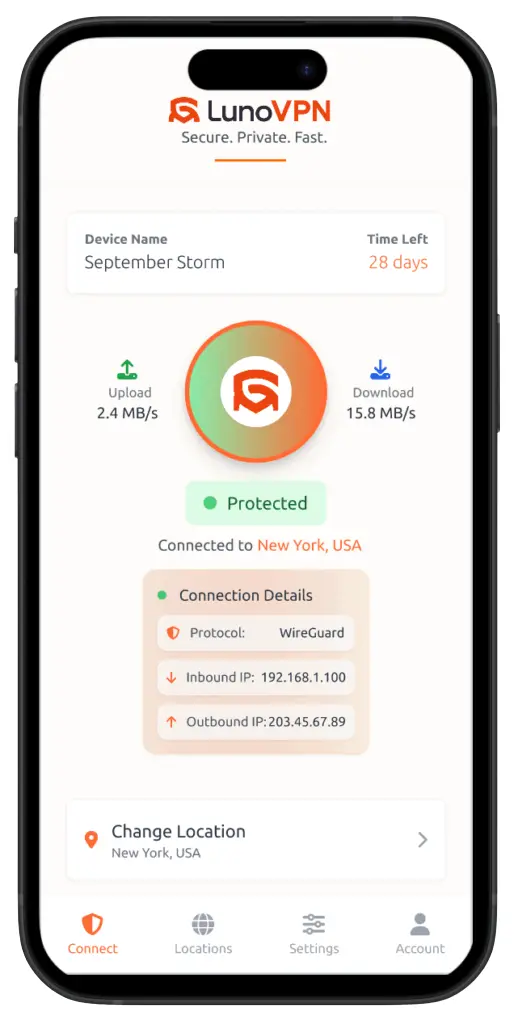
Do I need a VPN on my Android phone?
If you use public Wi-Fi, bank or shop on your phone, or want to keep your browsing private from your carrier and apps, a VPN is well worth it. LunoVPN encrypts every app on your device and hides your IP with a strict no-logs policy.
How do I download LunoVPN for Android?
Install it from the Google Play Store: open Play, search for “LunoVPN,” tap Install, sign in, allow the VPN connection, choose a location, and tap Connect.
Is LunoVPN for Android really no-logs?
Yes. LunoVPN runs on RAM-only servers that are wiped on reboot and keeps a strict zero-log policy, so there’s no record of what you browse, stream, or download.
Which encryption does the Android app use?
LunoVPN uses authenticated AES-256-GCM and ChaCha20-Poly1305 over the WireGuard-based LunoGuard protocol. ChaCha20 is especially efficient on phone processors, which helps battery life.
Will a VPN drain my Android battery?
LunoVPN is built to sip power — the lightweight LunoGuard protocol, ChaCha20 cipher, and efficient keep-alives keep battery use low enough to leave it on all day.
Does the kill switch protect me when I switch Wi-Fi to data?
Yes. If the tunnel ever drops while you move between networks, the kill switch blocks all traffic instantly so your real IP and data never leak.
Can I choose which apps use the VPN?
Yes. Split tunneling lets you route selected apps through LunoVPN while others connect directly — useful for banking apps that dislike foreign IPs, or local services.
How many devices can I use?
A single LunoVPN account supports up to 5 devices, so your Android phone, tablet, and other gear are all covered.
Is using a VPN on Android legal?
Using a VPN is legal in most countries. You’re responsible for following your local laws and the terms of the services you use. LunoVPN keeps no logs of your activity.