
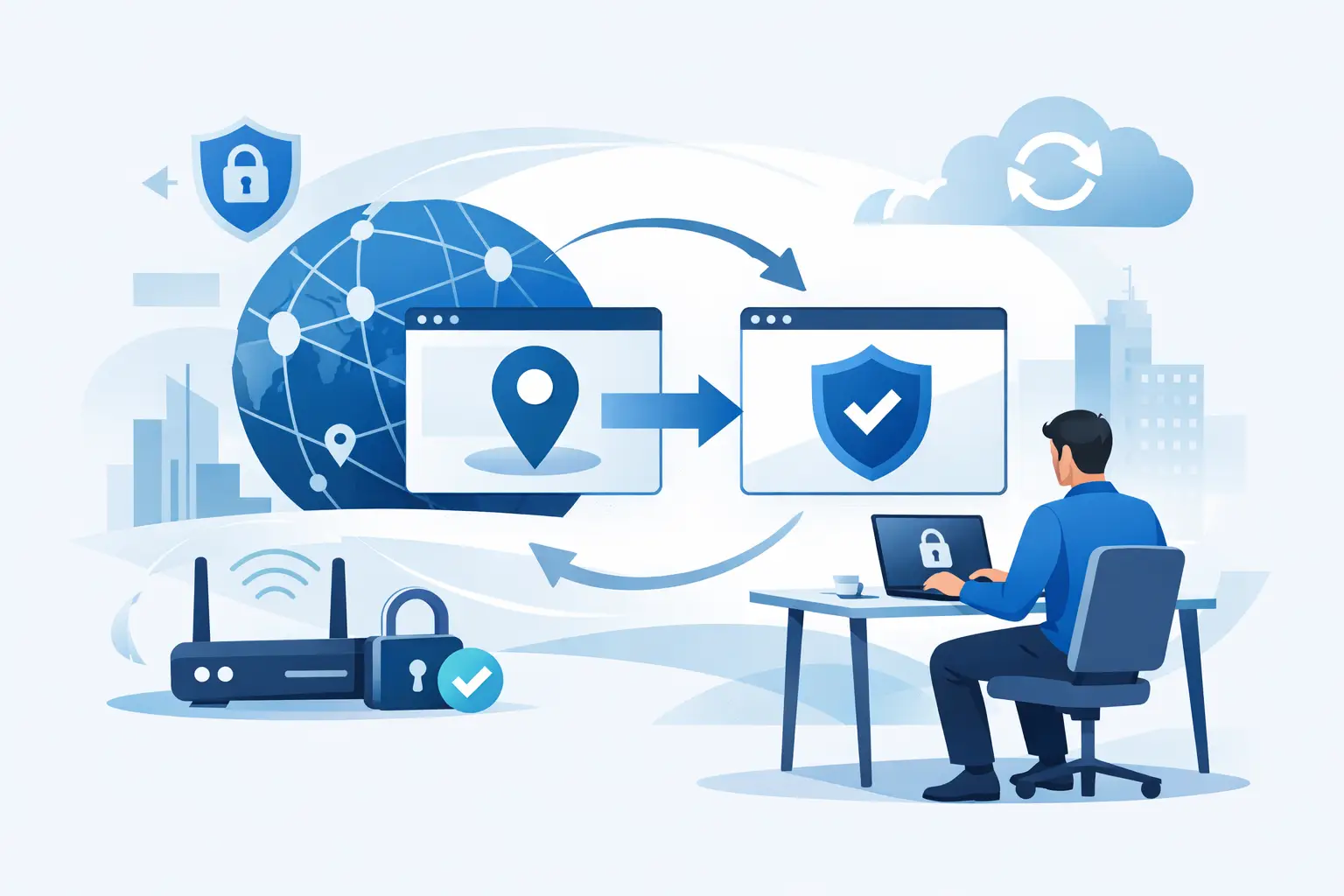
Your IP address says more about you than most people realize. It can reveal your approximate location, help advertisers and websites build a profile around your activity, and determine what content you can or cannot access. If you want more control online, learning how to change your IP address is a smart place to start.
The good news is that changing your IP address is usually simple. The better news is that you have more than one way to do it. The catch is that not every method gives you the same level of privacy, speed, or reliability. Some options only swap your address for a while. Others protect your traffic at the same time.
How to change your IP address: the main options
There are four common ways to change your IP address, and each one solves a slightly different problem.
The easiest method is restarting your router or modem. If your internet provider assigns dynamic IP addresses, disconnecting your router for a few minutes and reconnecting may give you a new public IP. This can work, but it is inconsistent. Some providers keep the same address tied to your connection for long periods, so you may reconnect and see no change at all.
You can also switch networks. If you move from your home Wi-Fi to mobile data, or from one Wi-Fi network to another, your public IP address changes because you are connecting through a different network. This is quick, but it is not a real privacy strategy. You are simply borrowing the identity of a different connection.
A third option is to ask your internet service provider for a new IP address. In some cases, they will assign one manually or reset your connection. This depends on the provider and your account type. It also gives you little control. You are relying on someone else to make the change and you are still exposed under your own internet service.
The most practical option for most people is a VPN. A VPN routes your traffic through a secure server and replaces your visible public IP address with one from that server location. That means websites, apps, and online services see the VPN server’s IP instead of yours. You also get encryption, which matters if your goal is privacy and not just a different number on a screen.
Why people change their IP address
Some people want to stop websites and advertisers from tracking them so easily. Others are trying to secure their connection on public Wi-Fi, where unprotected traffic can be exposed to snooping. Many just want to appear in a different location to access region-specific content or avoid local restrictions while traveling.
There is also a basic control issue. Your IP address is part of how the internet identifies your connection. If you do nothing, you are broadcasting that identity by default. Changing it can reduce targeting, limit exposure, and give you a cleaner layer of separation between you and the sites you visit.
That said, changing your IP address is not the same as becoming invisible. Websites can still use cookies, browser fingerprinting, and account logins to identify you. If privacy is the goal, changing your IP should be part of a broader setup, not the whole plan.
The easiest method: use a VPN
If you want a fast, repeatable, low-friction answer to how to change your IP address, a VPN is usually the best fit.
Here is how it works in practice. You install the app on your phone, laptop, desktop, or tablet, sign in, choose a server location, and connect. Within seconds, your traffic is encrypted and your visible IP address changes to match the VPN server you selected. If you choose a server in New York, websites will usually see you as connecting from New York. If you choose one in London, they will usually see London.
That flexibility matters. It lets you change locations on demand instead of hoping your ISP assigns a fresh address. It also keeps your real IP hidden from the sites and services you use.
A strong VPN does more than swap IPs. It should also include DNS leak protection, a kill switch, and a verified no-logs policy. Those features help make sure your traffic does not slip outside the encrypted tunnel and that your browsing activity is not stored in ways that undermine the whole point of using a VPN. For people who want privacy without technical complexity, that combination is hard to beat.
How to change your IP address on different devices
On a Windows or Mac computer, the simplest route is usually a VPN app. Download it, sign in, pick a server, and connect. You can also try renewing your local IP address through system settings or command tools, but that usually changes only your device’s internal network address, not the public IP seen by websites.
On an iPhone or Android device, it is much the same. A VPN app is the fastest option if you want a different visible IP for browsing, streaming, or using apps on public Wi-Fi. Toggling airplane mode may sometimes force a new mobile IP when you reconnect to your carrier, but results vary by network.
On a home network, power cycling your modem and router may change your public IP if your provider uses dynamic addressing. Unplug the equipment, wait a few minutes, reconnect it, and check whether the IP changed. Sometimes it works. Sometimes your provider gives you the same one back.
What changing your IP address does and does not do
Changing your IP address can help you look like a different user from a network perspective. It can reduce direct exposure of your home or mobile connection. It can also help you bypass network-level blocks or access services that respond differently based on region.
It does not erase your browsing history, remove malware, or automatically stop every form of tracking. If you are logged into a platform, that platform still knows it is you. If your browser has persistent cookies, websites can still connect your sessions. If your device is compromised, a new IP address will not fix that.
This is where trade-offs matter. If your main goal is streaming while traveling, almost any stable location switch may be enough. If your goal is privacy on hotel Wi-Fi or protection from ISP visibility, encryption and leak protection matter far more. The right method depends on what problem you are actually trying to solve.
Common mistakes to avoid
The first mistake is assuming every IP change is private. It is not. Switching networks or restarting your router may give you a new address, but it does not encrypt your traffic.
The second is using low-quality proxies or free tools without understanding what they do. Some change your apparent location but do little to protect your traffic. Others may log activity or inject ads. If a service handles all your internet traffic, trust matters.
The third is ignoring leaks. If your DNS requests, IPv6 traffic, or connection drops expose your real address, then changing your visible IP is only doing part of the job. A reliable VPN with private DNS routing and a kill switch is built to close those gaps.
When you should change your IP address
If you use coffee shop Wi-Fi, airport networks, hotels, or shared workspaces, changing your IP through a VPN is a smart move. It adds a protective layer between your device and the network around you. If you travel often, it also helps maintain consistent access to the sites and services you use back home.
It also makes sense if you want to reduce ad targeting, limit location exposure, or browse with more independence. You do not need to be a security expert to want basic digital control. That is a reasonable expectation.
For users who want a straightforward solution, a privacy-first VPN like LunoVPN gives you the practical version of control: encrypted traffic, masked IPs, broad server choice, and protection that runs quietly in the background.
Changing your IP address is easy. Doing it in a way that actually protects you is what matters. Pick the method that matches your goal, and make privacy the default instead of the afterthought.


