
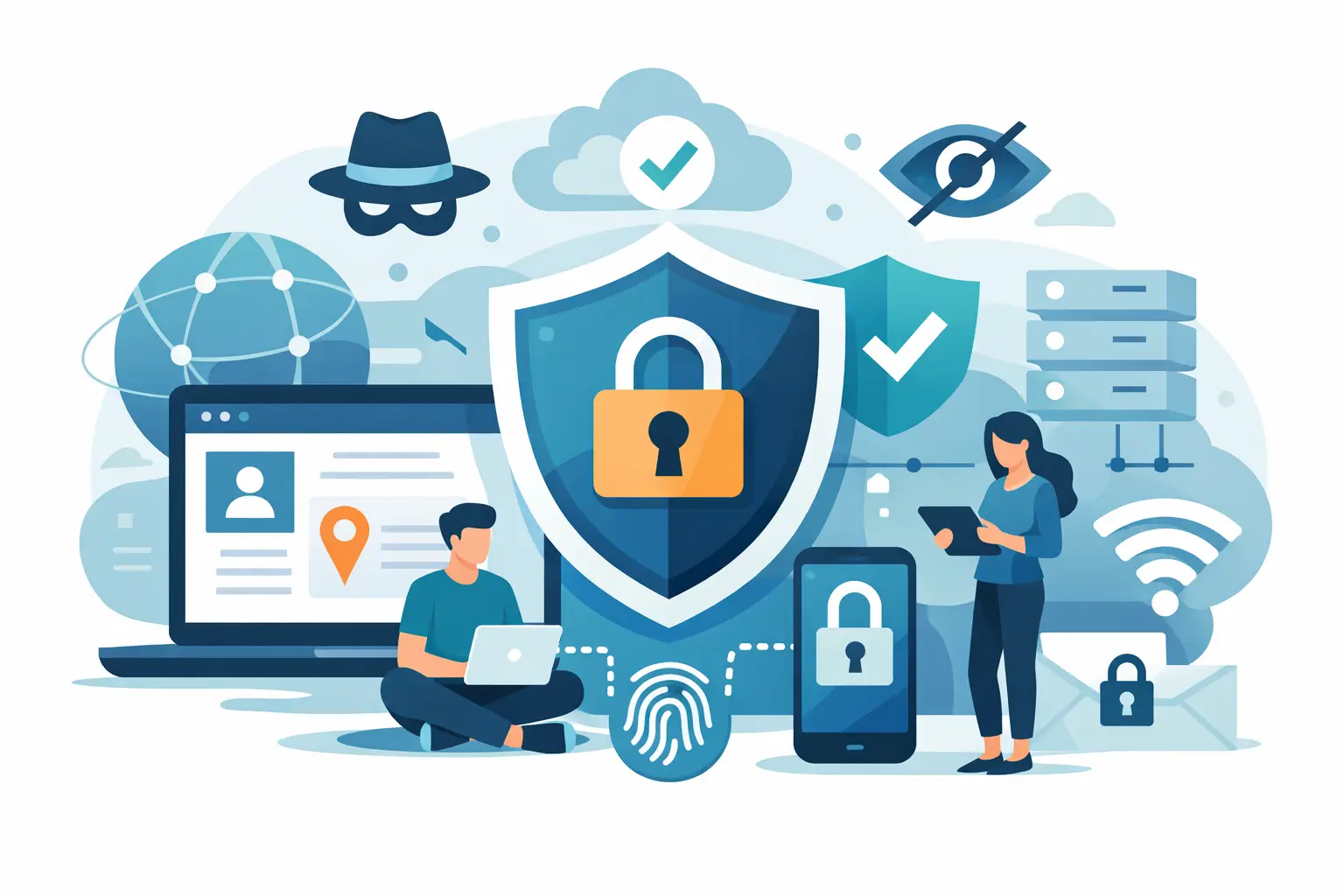
Most people do not realize how exposed they are until they connect to airport Wi-Fi, click a login link, or notice ads following them across every app. The best online privacy protection services do not just hide one piece of your activity. They reduce tracking, secure your traffic, and give you back control without turning privacy into a full-time job.
That matters because privacy tools are not all solving the same problem. Some protect your internet connection. Some remove your personal data from broker sites. Some stop trackers and phishing attempts. If you pick the wrong category, you can pay for protection and still leave obvious gaps open.
What the best online privacy protection services actually do
A strong privacy setup usually covers three areas. First, it protects your connection so outsiders cannot easily monitor what you do online. Second, it limits how companies track, profile, and sell your data. Third, it reduces the fallout if your information is exposed in a breach or scraped from public records.
That is why there is no single service that does everything perfectly. A VPN can encrypt your traffic and mask your IP address, but it will not remove your home address from data broker databases. A data removal service can clean up your public footprint, but it will not secure your browsing on public Wi-Fi. The right choice depends on what you are trying to stop.
7 best online privacy protection services worth considering
1. VPN services for encrypted browsing and IP protection
If your biggest concern is secure browsing, anonymous internet use, and safer access on public networks, a VPN should be at the top of the list. This is the service category that encrypts your internet traffic, masks your IP address, and helps prevent snooping by internet providers, network operators, and local attackers on unsecured Wi-Fi.
The difference between average and excellent is not the homepage promise. It is the policy and the infrastructure behind it. Look for a verified no-logs approach, strong encryption, private DNS, kill switch protection, and broad protocol support such as OpenVPN or IKEv2. Server coverage matters too, especially if you travel often or want reliable access to region-specific content.
For mainstream users, this is often the most immediate privacy upgrade because it works quietly in the background. You turn it on, and your traffic is protected across laptops, phones, tablets, and smart TVs. If you want one service that delivers visible day-one value, this is usually it. LunoVPN fits well in this category because it combines no-logs verification, private DNS routing, tracker blocking, and wide device support without making setup feel technical.
2. Data broker removal services for shrinking your public footprint
Some privacy threats do not come from live browsing at all. They come from people search sites and data brokers that publish your name, address history, relatives, phone number, and other personal details. These services exist to find those listings and submit removal requests on your behalf.
This category is especially useful if you have dealt with stalking concerns, harassment, aggressive marketing, or simply want less personal information floating around online. The trade-off is that results are ongoing, not permanent. Data can reappear, and many brokers update their records often. Good services monitor and repeat removal requests over time.
3. Password managers for account-level privacy and security
A lot of privacy failures start with weak or reused passwords. Once one account is breached, attackers try the same login everywhere else. Password managers solve a boring problem that causes expensive damage. They generate strong unique passwords, store them securely, and make it realistic to stop reusing credentials.
This is not always marketed as a privacy tool, but it absolutely belongs in the conversation. If someone gets into your email, cloud storage, or banking apps, your privacy is already gone. A password manager closes that door. The only caveat is that you need to choose one with a strong security track record and enable two-factor authentication wherever possible.
4. Tracker blockers and privacy-focused browsers
If you are tired of being followed around the internet by ad tech, tracker blockers and privacy-first browsers can make a big difference. These tools block third-party trackers, reduce fingerprinting, and cut down on the amount of behavioral data collected while you browse.
They are useful, but they are not a full replacement for connection-level protection. A browser can stop a lot of tracking scripts, but it does not encrypt all your device traffic the way a VPN does. For many users, the better move is pairing both. One reduces surveillance from websites and advertisers. The other secures the path your data travels on.
5. Encrypted email services for private communication
Standard email was not built with privacy first. If you share sensitive work details, travel documents, legal conversations, or personal information over email, an encrypted email provider can reduce exposure significantly. Some services offer end-to-end encryption, stronger mailbox security, and fewer data-mining incentives than mainstream platforms.
This category makes the most sense for users who regularly handle sensitive communication. For casual users, it may feel like more change than benefit. That is the recurring pattern with privacy services – the best option is the one that matches your actual habits, not the most extreme setup on paper.
6. Identity monitoring and breach alert services
Not every privacy problem can be prevented upfront. Sometimes your information is already exposed through a retailer breach, leaked password dump, or compromised financial account. Identity monitoring services watch for signs that your personal information has surfaced where it should not, then alert you quickly.
These tools are reactive by nature. They do not stop tracking, and they do not encrypt your browsing. What they do provide is early warning. That can be valuable if you want a faster response window for password changes, account freezes, or fraud prevention.
7. Secure cloud storage for sensitive files
Photos, tax records, ID scans, contracts, and personal backups deserve more than convenience. Secure cloud storage services focus on encryption and privacy controls so your files are less exposed to unauthorized access. This matters if you store documents that could create real harm if stolen or misused.
As with email, the main question is practical fit. If most of your sensitive files already live online, stronger storage protection is a smart move. If you rarely keep personal documents in the cloud, this may rank below a VPN or password manager.
How to choose the best online privacy protection services for your needs
Start with the risk that bothers you most. If you use public Wi-Fi, travel often, stream across regions, or want to hide your IP address, start with a VPN. If your concern is your home address or phone number appearing on people search sites, start with data removal. If you keep getting breach alerts or feel one reused password could unravel everything, start with a password manager.
Then look at coverage, not just features. A privacy service should work across the devices you actually use every day. It should also be simple enough that you will keep it turned on. Protection that is technically excellent but annoying to use gets abandoned fast.
Trust matters too. Privacy companies ask you to believe what happens behind the screen. That means policies, independent verification, and clear security standards count more than flashy promises. If a provider is vague about logging, encryption, or how data is handled, move on.
The strongest setup is layered, not overloaded
There is a temptation to buy every privacy tool at once. Most people do not need that. A layered approach is better. Start with the service that closes your biggest gap, then add one or two more if your needs justify it.
For many users, that means a VPN plus a password manager is the best baseline. Add tracker blocking if ads and profiling are a constant irritation. Add data broker removal if your public footprint feels too exposed. Add identity monitoring if you have already been caught in breaches or want faster alerts.
That approach keeps privacy practical. It also keeps spending under control. More tools do not automatically mean more safety if they overlap heavily or go unused.
Privacy should not feel like a niche hobby for technical people. It is basic digital self-defense. The right service gives you less exposure, more control, and fewer compromises every time you go online.


