
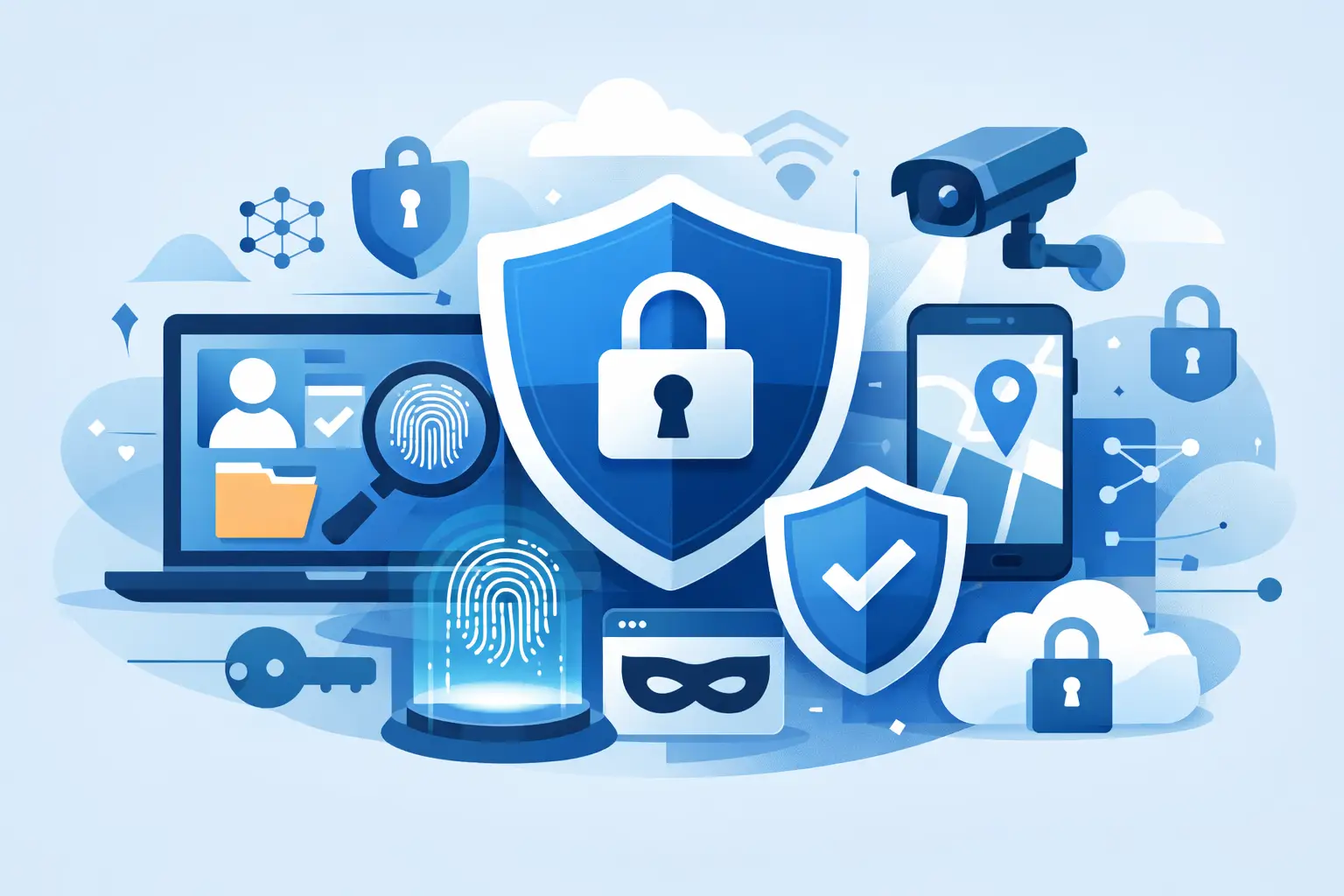
You do not lose privacy in one dramatic moment. You lose it in small, constant leaks – the coffee shop Wi-Fi login, the app with too many permissions, the browser full of trackers, the account protected by a recycled password. That is why online privacy protection tools matter. The right setup does not just hide your activity. It cuts off the most common ways your data gets collected, exposed, and sold.
Most people do not need a complicated privacy stack. They need a smart one. A few well-chosen tools can cover the biggest risks without turning everyday browsing into a chore. The real goal is control. You decide what gets shared, who gets access, and how visible you are online.
What online privacy protection tools actually do
Privacy tools solve different problems, and that is where many people get confused. One tool encrypts your connection. Another blocks trackers. Another secures your accounts. If you expect one app to fix every privacy issue, you will either overpay, underprotect yourself, or both.
A VPN protects your internet traffic from local snooping and helps mask your IP address. A password manager protects your logins and makes strong, unique passwords practical. Tracker blockers reduce the invisible ad tech following you across websites. Encrypted messaging apps protect conversations in transit. Privacy-focused browsers and search engines limit profiling. None of these replace the others. They work best as layers.
That layering matters most when your online life moves across devices and networks. Your home Wi-Fi, office network, airport hotspot, phone apps, and streaming devices all create different exposure points. Good privacy is not one switch. It is a set of protections working quietly in the background.
The core online privacy protection tools worth using
If you want the highest return for the least friction, start with the basics. These are the tools that solve the most common privacy problems for regular users.
VPNs for encrypted traffic and IP masking
A VPN is often the first privacy tool people install, and for good reason. It encrypts your internet connection, making it much harder for network operators, internet providers, and bad actors on public Wi-Fi to inspect what you are doing. It also masks your IP address, which reduces one of the simplest ways sites and services identify you.
That said, not every VPN is built the same. Speed matters. So does a verified no-logs policy, private DNS, leak protection, and a kill switch that stops traffic if the VPN connection drops. If a provider keeps extensive logs, injects ads, or slows your connection to a crawl, the privacy promise falls apart fast. This is one area where free options often come with real trade-offs.
For people who travel, stream across regions, or use public networks often, a premium VPN earns its place quickly. A service like LunoVPN is built around that exact need – secure browsing, strong encryption, no-logs privacy, and simple multi-device coverage without forcing users to become security experts.
Password managers for account security
A huge amount of privacy loss starts with account compromise. If someone gets into your email, they can often reset access to everything else. That makes a password manager less of a convenience tool and more of a privacy essential.
The biggest benefit is not storage. It is uniqueness. A password manager lets you create a different strong password for every account, which stops one breach from becoming ten. Many also alert you to compromised logins and support passkeys or two-factor authentication.
There is a trust question here, of course. You are centralizing sensitive data, so the provider matters. Look for strong encryption, transparent security practices, and a design where your vault data is encrypted before it ever leaves your device.
Tracker blockers and privacy-focused browsers
A lot of online tracking has nothing to do with hacking. It is routine ad tech. Third-party scripts, fingerprinting methods, cross-site cookies, and data brokers build detailed profiles from ordinary browsing behavior. You may never notice it, but it shapes the ads you see, the prices you are shown, and the data attached to your identity.
A privacy-focused browser can reduce that exposure right away. Built-in tracker blocking, cookie controls, and anti-fingerprinting features make a visible difference. Browser extensions that block trackers and intrusive scripts can go further, though too many extensions can create compatibility problems or even add new risks if you install the wrong ones.
This is a good example of balance. Maximum blocking sounds great until websites stop working properly. For most users, the best choice is a browser with strong default protections and only a small number of trusted add-ons.
Encrypted messaging and email protection
If your conversations matter, the channel matters too. Standard SMS is weak from a privacy perspective, and many email providers scan metadata or tie your inbox closely to broader ad ecosystems. Encrypted messaging apps improve that picture by protecting the content of messages in transit and limiting who can access them.
Email is more complicated. Full email privacy depends on both your provider and your habits. Encryption helps, but metadata can still reveal a lot. For many users, the practical win comes from choosing a provider with stronger privacy policies and using email aliases to avoid handing out a primary address everywhere.
Two-factor authentication and device protection
Privacy tools are not only about invisibility. They are also about preventing takeover. Two-factor authentication blocks a huge number of account attacks, especially when paired with strong passwords. Authenticator apps are generally stronger than SMS codes, since text messages can be intercepted or redirected.
Device-level protection matters just as much. Screen locks, biometric login, encrypted storage, and automatic updates are easy to overlook because they feel basic. They are still some of the highest-value defenses you have.
How to choose online privacy protection tools without overdoing it
More tools do not always mean more privacy. Sometimes they mean more friction, more overlapping features, and more chances to misconfigure something.
Start with your real risk. If you use public Wi-Fi often, a VPN should be near the top of your list. If you reuse passwords, fix that first. If you are tired of constant ad tracking, focus on your browser and tracker blocking. If you travel frequently or live in a region with content restrictions or censorship, network privacy and location flexibility matter more.
Then look at trust signals. A privacy tool should be clear about what it collects, what it does not collect, and how it handles your data. Vague claims are a warning sign. So are products that promise total anonymity. Privacy is never absolute. It is always about reducing exposure and shrinking the amount of useful data available about you.
Ease of use matters too. A tool that constantly interrupts you, breaks sites, or drains battery life will get disabled. The best protection is the one you will actually keep turned on.
What these tools cannot do
Privacy tools are powerful, but they are not magic. A VPN does not make careless account sharing safe. Tracker blockers do not erase data already collected about you. Encrypted messaging does not help if your device is infected with malware or someone has physical access to it.
Your habits still count. Oversharing on social platforms, granting unnecessary app permissions, clicking phishing links, and ignoring software updates can undo a lot of protection. Good tools reduce risk. Good decisions reduce it further.
That is the real standard to use. Not perfect privacy. Better privacy, every day, with less data exposed by default.
If you want a practical place to start, build around the essentials: a trustworthy VPN, a password manager, stronger browser protections, and two-factor authentication. That setup covers far more ground than most people realize – and it puts control back where it belongs, with you.


