
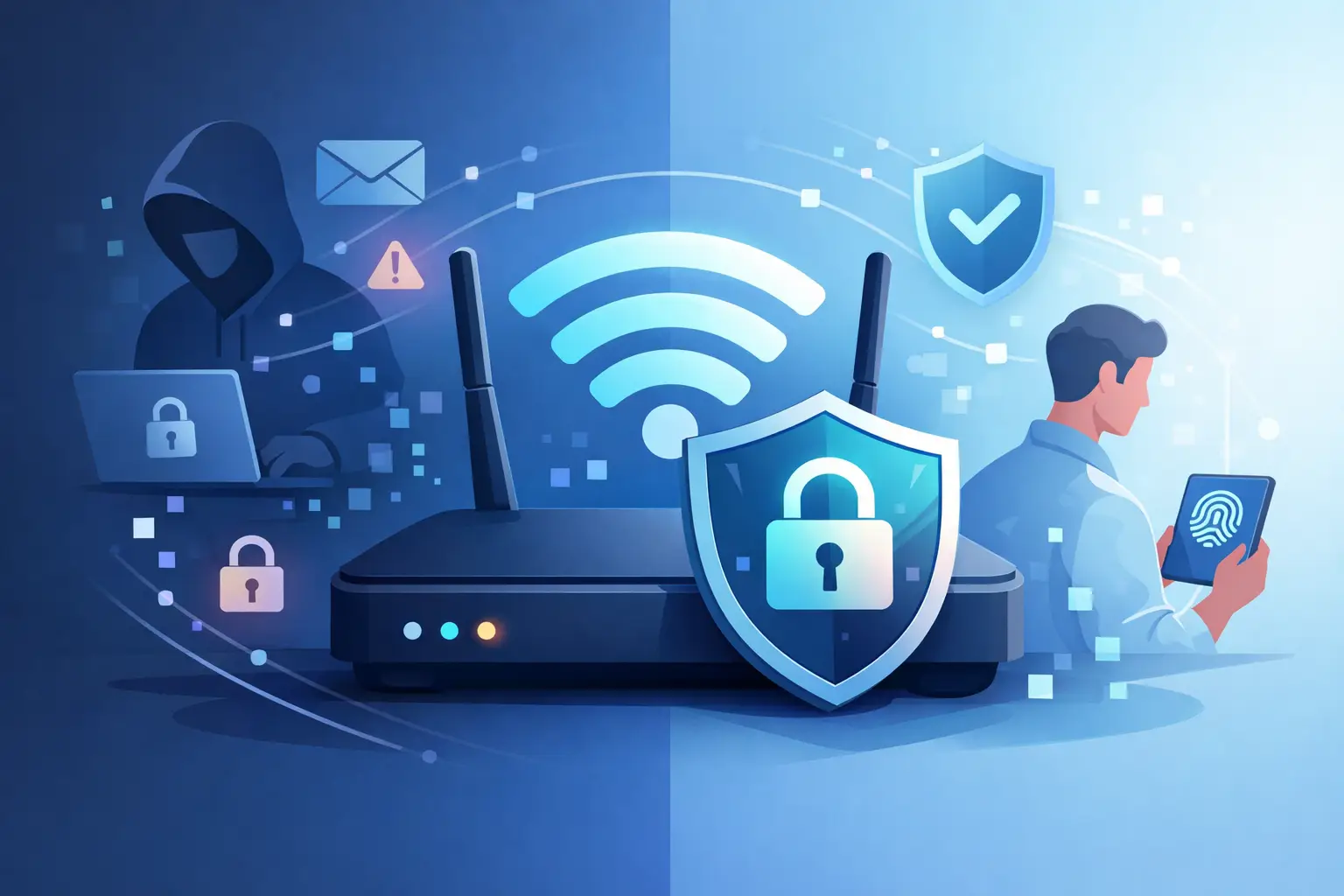
Coffee shop Wi-Fi feels convenient right up until you remember everyone on that network is sharing the same air. That is why people keep asking, is wifi traffic encrypted? The honest answer is yes, sometimes – but not always in the way most people think, and not always enough to protect your privacy.
Wi-Fi encryption can stop nearby snoops from casually reading data moving between your device and the router. That matters. But it does not automatically make your browsing private, hide your activity from your internet provider, or protect everything if the network is weak, outdated, or badly configured. If you rely on public hotspots, hotel Wi-Fi, airport networks, or even an older router at home, the details matter.
Is WiFi traffic encrypted on every network?
No. Some Wi-Fi traffic is encrypted, some is partially protected, and some is effectively exposed.
The biggest factor is the type of security the network uses. Modern Wi-Fi networks usually rely on WPA2 or WPA3. Those standards encrypt traffic between your device and the wireless access point. If someone is sitting nearby trying to intercept radio signals, strong Wi-Fi encryption makes that much harder.
But open Wi-Fi networks are different. If a hotspot does not require a password, there may be little to no meaningful wireless encryption in place. That means attackers on the same network may be able to observe certain traffic, launch fake login pages, or attempt man-in-the-middle attacks. Even when websites use HTTPS, open Wi-Fi still creates more room for abuse.
So the short version is simple. Password-protected Wi-Fi is usually encrypted in transit from your device to the router. Open Wi-Fi often is not. And even encrypted Wi-Fi does not cover every privacy risk.
What Wi-Fi encryption actually protects
Wi-Fi encryption protects the local wireless link. Think of it as shielding the path from your phone or laptop to the router.
That protection is useful because wireless signals can be intercepted from nearby. Without encryption, someone in range could potentially read data crossing the airwaves. With WPA2 or WPA3 enabled, that data is scrambled so it is not easily readable.
This helps defend against local eavesdropping in places like apartments, coworking spaces, hotels, and cafés. It also reduces the chance that a random person nearby can simply capture your traffic and see what you are doing.
But the protection has a boundary. Once your traffic reaches the router and leaves for the wider internet, Wi-Fi encryption is no longer the main layer protecting it. At that point, your safety depends on other things, including HTTPS, app-level encryption, DNS handling, and whether you are using a VPN.
What WiFi encryption does not protect
This is where many people get a false sense of security.
If your Wi-Fi network is encrypted, that does not mean your entire internet session is private from start to finish. The router can still see traffic patterns. Your internet service provider can still see a lot about your connection. Websites and apps can still collect data. Network operators may still monitor activity on the systems they control.
Wi-Fi encryption also does not mask your IP address. It does not stop tracking cookies. It does not prevent websites from profiling you. And it does not help if you connect to a malicious hotspot that looks legitimate.
Even on a properly secured home network, encryption at the Wi-Fi layer is only one piece of the privacy puzzle. Security is not one switch. It is layers.
HTTPS is not the same as Wi-Fi encryption
People often mix these together, but they solve different problems.
Wi-Fi encryption secures the connection between your device and the router. HTTPS secures the connection between your browser and the website or service you are using. You want both.
If you are on secure Wi-Fi but visit a site that does not use HTTPS, your traffic may still be exposed beyond the router. If you are on open Wi-Fi but visit an HTTPS site, the content of that session is better protected, but the network itself is still less trustworthy.
That is why relying on just one layer is risky. Secure browsing should not depend on luck.
Which Wi-Fi security standards are safe?
Not all Wi-Fi encryption is equal.
WPA3 is currently the strongest mainstream option for consumer Wi-Fi. It improves protection against password guessing and strengthens encryption on modern devices. WPA2 is still common and generally secure when configured correctly with a strong password. WPA, without the 2 or 3, is outdated and should be avoided. WEP is obsolete and easily broken.
If your home router still uses WEP or old WPA, it is time to replace or reconfigure it. If you are connecting to a public hotspot, you often will not know what standard is being used – and that uncertainty is exactly why extra protection matters.
A password alone does not guarantee safety
A Wi-Fi password helps control access, but it is not proof of strong encryption or a trustworthy network.
Some public venues post the same password for everyone. That may keep casual outsiders off the network, but it does not mean the setup is private by design. Shared credentials, weak router settings, outdated firmware, and poor network isolation can all create risks.
At home, weak passwords can also be a problem. If an attacker cracks the network key, they may gain access to the local network and attempt deeper attacks. Strong unique passwords still matter.
Public Wi-Fi is where the risk goes up fast
Public Wi-Fi is convenient, but it is rarely private by default.
In airports, hotels, cafés, and shopping centers, you are trusting a network you do not control. Even if the hotspot uses encryption, you do not know how it is configured, who manages it, whether the login portal is legitimate, or whether another network nearby is impersonating it.
That is why public Wi-Fi remains a favorite environment for attackers. Fake access points, rogue captive portals, session hijacking attempts, and traffic monitoring are all easier when users assume the network is safe because it has a name and a password.
For everyday users, the practical rule is simple. Treat public Wi-Fi as untrusted, even when it looks professional.
So, is wifi traffic encrypted enough without a VPN?
Sometimes yes for basic security, often no for real privacy.
If you are on a modern WPA2 or WPA3 home network and only visiting HTTPS websites, you already have meaningful protection in place. For many people, that covers the basics. But if your goal is broader privacy, especially on networks you do not control, Wi-Fi encryption alone is not enough.
A VPN adds another encrypted layer from your device to a secure VPN server. That means people on the local network, the hotspot operator, and often your ISP have far less visibility into your activity. It also helps protect DNS requests, reduces exposure on public networks, and makes location-based tracking harder by masking your IP address.
That is the difference between basic wireless security and actual browsing privacy. One protects the local connection. The other protects your internet traffic more broadly.
For travelers, remote workers, frequent streamers, and anyone who uses public hotspots often, that extra layer is not overkill. It is practical. A service like LunoVPN is built for exactly that kind of daily protection.
How to tell if your Wi-Fi is protected
You do not need to be a network engineer to check the basics.
On your home router, look for WPA2-PSK or WPA3 in the wireless security settings. If you see WEP or plain WPA, upgrade the configuration or the hardware. Keep router firmware updated. Use a long unique Wi-Fi password, not the factory default.
On public Wi-Fi, you may not have visibility into the setup. That uncertainty is the signal. Avoid sensitive tasks on unknown networks unless you have an added privacy layer in place. Banking, work logins, and account recovery steps are better handled on cellular data or through a trusted VPN.
On your device, also pay attention to browser warnings. If a site shows that it is not secure, stop there. Wi-Fi encryption cannot fix an unsafe website.
The better question to ask
Instead of only asking is wifi traffic encrypted, ask who can still see what.
That question leads to better decisions. Nearby attackers might be blocked by WPA3. A website can still track you. Your ISP can still observe connection metadata. A hotspot operator can still see that you are connected. And a badly secured network can still put your device at risk.
Privacy online is not about one feature. It is about reducing exposure at every step.
If you want real control, use secure Wi-Fi when available, avoid outdated networks, favor HTTPS, keep your devices updated, and add a VPN when the network is not yours. That is how you move from hoping your traffic is safe to knowing you took the right precautions.
The internet does not hand out privacy by default. You have to claim it.


