
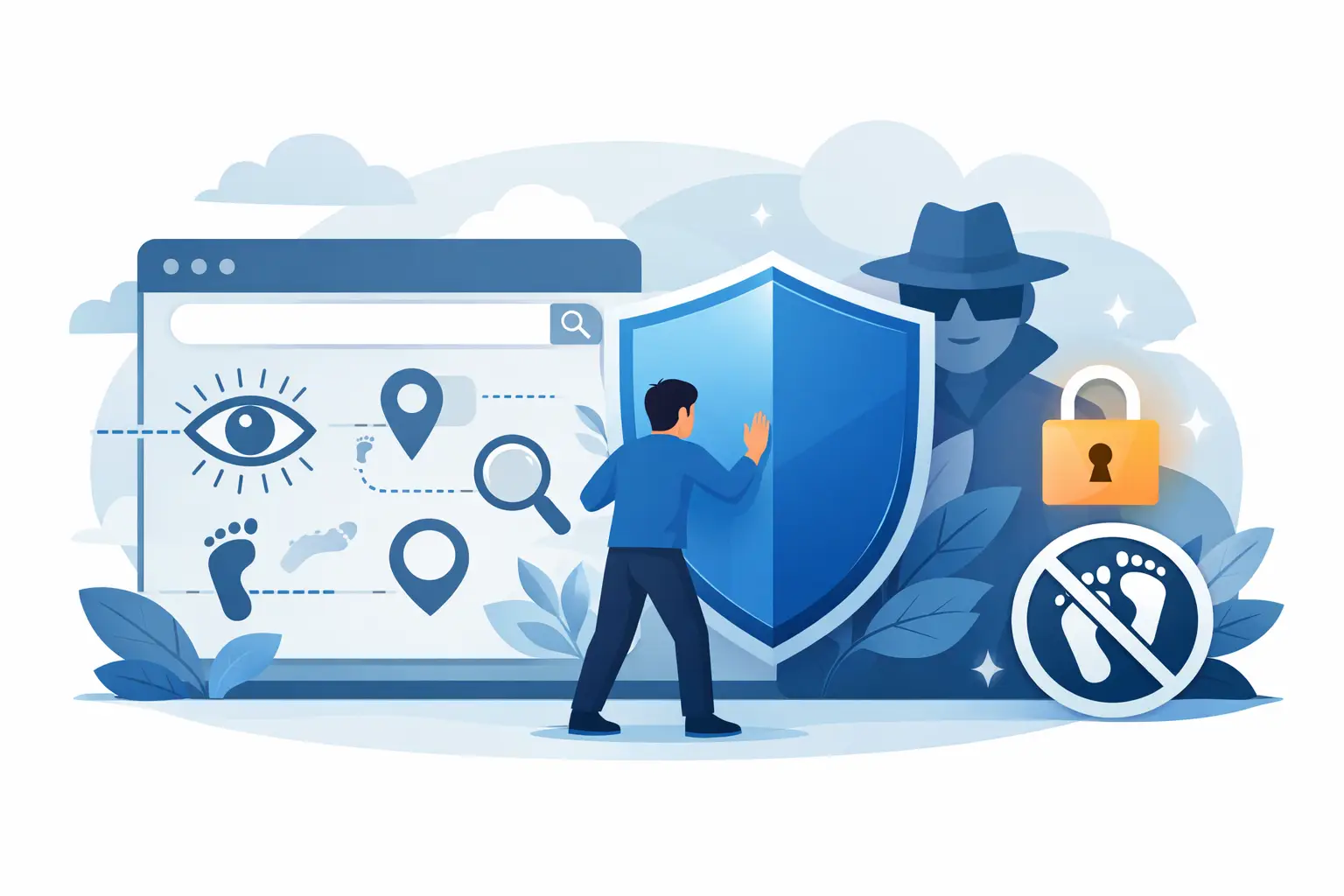
You search for one pair of shoes, and suddenly half the internet is watching. That is browser tracking in action – quiet, constant, and built to profile your habits across sites, devices, and sessions. If you want to know how to stop browser tracking, the good news is simple: you can cut most of it off with a few smart changes.
The less pleasant truth is that there is no single off switch. Trackers come from ad networks, websites, cookies, browser fingerprinting, scripts, and even your IP address. Some methods are easy to block. Others are designed to work around basic privacy tools. Real protection comes from stacking defenses, not relying on one setting and hoping for the best.
What browser tracking actually includes
Most people hear 鈥渢racking鈥� and think cookies. Cookies are part of it, but they are not the whole picture. Standard cookies can remember logins and shopping carts, which is useful. Third-party cookies are different. They are often planted by ad and analytics companies to follow you from site to site and build a profile around what you read, buy, watch, and search.
Then there is browser fingerprinting. This method looks at your browser version, device type, screen size, time zone, fonts, language settings, and more to create a unique signature. You can clear cookies and still be recognized. That is why tracking feels sticky.
Your IP address also matters. It reveals an approximate location and gives websites and networks another way to tie browsing activity together. Add in scripts, pixels, and data brokers, and the picture becomes clear: browser tracking is not one thing. It is a system.
How to stop browser tracking at the browser level
Start with the easiest win. Change the browser you use and lock down its privacy settings.
Browsers vary a lot in how much they protect you by default. Some are built around ad ecosystems. Others are built to reduce cross-site tracking and block invasive scripts. If privacy is the goal, use a browser that actively blocks third-party trackers instead of treating them like a feature of the web.
Once you have the right browser, check the settings. Turn on tracking protection. Block third-party cookies. Send Do Not Track if the option exists, though many sites ignore it. Disable automatic sign-in where possible, and review site permissions for location, camera, microphone, notifications, and pop-ups. Those settings do not all stop tracking directly, but they reduce unnecessary data exposure.
Private or incognito mode can help with local privacy on your device, but it does not make you invisible online. Websites, ad networks, internet providers, and the network you are using can still see plenty. Think of private mode as a cleanup tool, not a shield.
Use fewer extensions, but choose the right ones
A good tracker blocker can make a real difference. It can stop ad scripts, prevent cross-site tracking requests, and reduce data leaks before they load. That said, installing a pile of privacy extensions is not always smarter.
Each extension adds complexity, and some extensions collect data themselves. Others overlap, break websites, or create a more unique browser fingerprint. Pick one or two trusted tools and keep them updated. More is not automatically better.
If you use an ad blocker, make sure it is configured to block trackers as well as ads. If you use a script blocker, expect some websites to break until you allow essential elements. That is the trade-off. Stronger privacy usually means a little more friction.
Clear cookies, but do not stop there
Deleting cookies is worth doing, especially if you have never reviewed what your browser stores. It can cut off long-term ad profiling and remove some persistent identifiers. You can also set your browser to clear cookies on exit or clear cookies only from sites you do not trust.
But this step has limits. Clearing cookies signs you out of sites, resets preferences, and does little against more advanced methods like fingerprinting. It helps, but it is maintenance, not full protection.
A better approach is selective control. Keep cookies for sites you rely on and block third-party cookies broadly. That gives you a more usable web without handing ad networks a free map of your behavior.
Reduce fingerprinting where possible
Fingerprinting is harder to fight because it works by measuring the details your browser naturally shares. You cannot eliminate it completely without making browsing painful, but you can reduce it.
Keep your browser updated. Old versions can stand out. Avoid loading your browser with unnecessary extensions. Be cautious with custom themes, unusual fonts, and niche add-ons that make your setup more distinctive. Some privacy-focused browsers and anti-tracking tools also include fingerprinting defenses by standardizing what websites can see.
This is one of those areas where perfect privacy and everyday convenience do not fully align. If you want the web to feel personalized and frictionless, you usually reveal more data. If you want less tracking, expect a more controlled experience.
Hide your IP address with a VPN
If you are serious about how to stop browser tracking, browser settings alone are not enough. Your IP address is still exposed unless you actively mask it.
A VPN routes your traffic through an encrypted tunnel and replaces your visible IP address with one from the VPN server. That matters for privacy because websites, ad systems, and observers on public Wi-Fi can no longer tie your browsing directly to your home or current location as easily.
This does not make you untrackable. If you stay logged into accounts, accept every cookie, and use the same browser profile everywhere, companies can still recognize patterns. But a VPN removes one of the biggest identifiers from the tracking stack and protects your traffic from local network snooping at the same time.
It also helps if you travel, use coffee shop Wi-Fi, or switch between devices often. A privacy-first VPN with no-logs infrastructure, private DNS, and a kill switch gives you stronger protection than a basic proxy or browser-only tool. For users who want fewer moving parts, this is one of the cleanest upgrades you can make.
Log out more often than you think
A lot of tracking is not just about hidden scripts. It is about identity. If you stay logged into major platforms while browsing the rest of the web, those platforms can connect more of your activity than most people realize.
Logging out of unused accounts, separating browsing sessions, and using different browser profiles for work, shopping, and personal activity can limit that spillover. It is not flashy, but it works.
The same goes for social logins. Signing into every app and store with one major account is convenient. It also creates a neat trail. Convenience has a privacy cost.
Watch the permissions you grant
Websites ask for access to your location, camera, microphone, clipboard, and notifications because those permissions are valuable. Sometimes they are necessary. Often they are not.
Review browser permissions regularly and remove anything you no longer need. If a weather site wants exact location all the time, say no. If a random blog wants push notifications, definitely say no. Every permission is another way to collect behavior, context, or device-level data.
This is also true on mobile browsers, where app and browser boundaries can blur. Your phone can reveal a lot through location services, ad IDs, and app permissions even if you think you are just browsing casually.
Don鈥檛 confuse consent banners with privacy
Cookie banners create the impression that you are in control. Sometimes you are. Often you are being nudged toward 鈥渁ccept all鈥� because that is what the site wants.
Take the extra few seconds to reject non-essential cookies when the option is available. If a site makes that hard, that tells you something. Privacy-friendly design is usually straightforward. Manipulative design is usually not.
Also remember that consent banners mostly address cookies and legal disclosure. They do not solve fingerprinting, IP-based profiling, or account-level tracking on their own.
Build a setup you will actually keep using
The best privacy setup is not the most extreme one. It is the one you will stick with every day.
For most people, that means using a privacy-respecting browser, blocking third-party cookies, running a trusted tracker blocker, keeping permissions tight, and using a VPN whenever you browse on public or shared networks – ideally all the time. If you want stronger separation, add different browser profiles for different parts of your life.
That stack will not stop every form of tracking. Nothing will. But it will cut down the data you give away by default and make passive surveillance much harder. That matters.
Privacy is not about disappearing. It is about control. The web will keep asking for more than it needs. You do not have to keep saying yes.


