
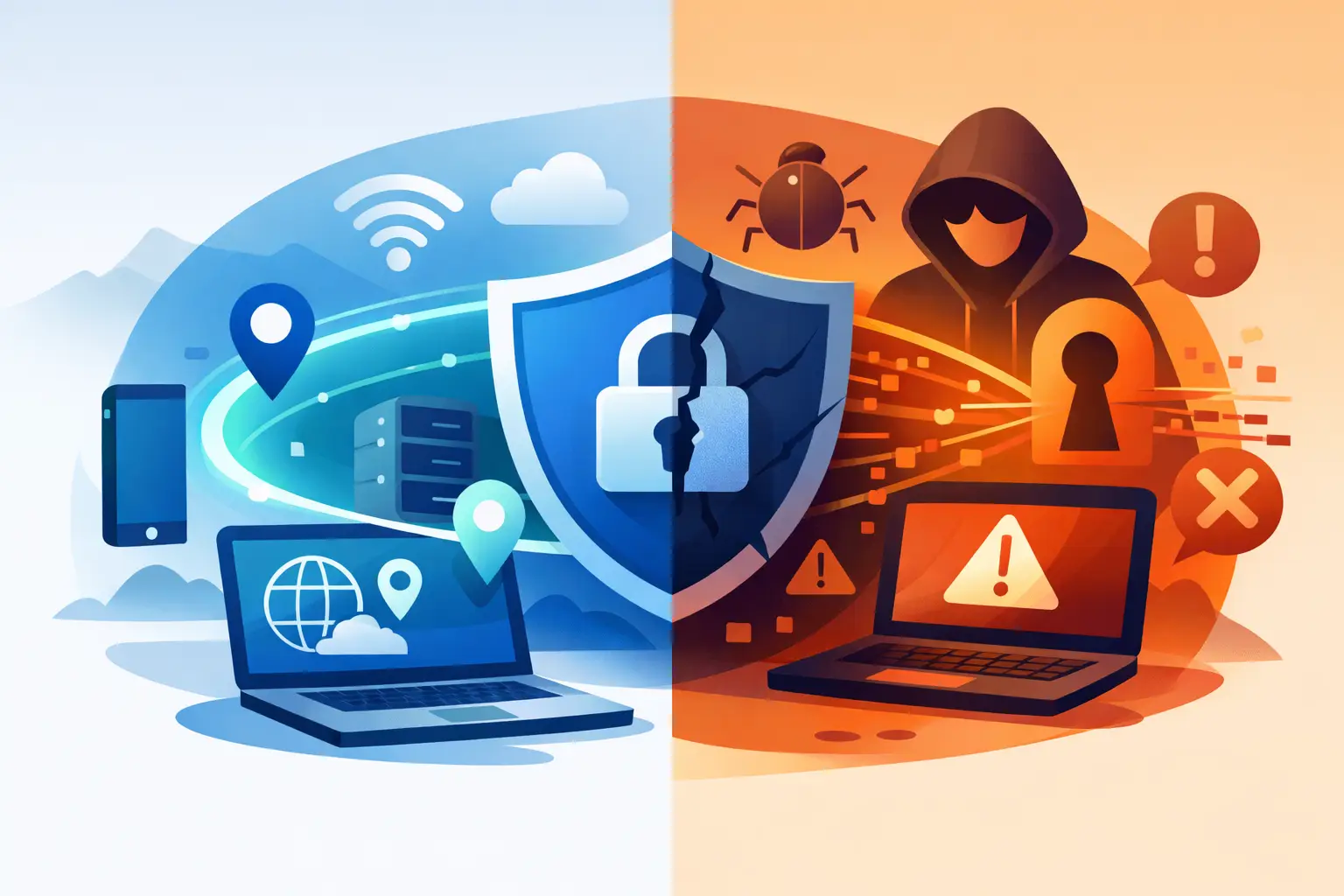
You notice it most when something feels off – a hotel Wi-Fi login page you do not trust, a coffee shop network with no password, a streaming app that suddenly knows too much about where you are. That is where vpn security stops being an abstract feature and starts becoming a real layer of protection between your data and everyone trying to inspect, log, profile, or intercept it.
A VPN does one job extremely well when it is built correctly. It encrypts your internet traffic, routes it through a secure server, and replaces your visible IP address with one from the VPN network. That changes what your internet provider, network operator, advertisers, and other third parties can see. It gives you more privacy, more control, and fewer easy ways for others to track your activity.
But there is a difference between having a VPN app installed and actually having meaningful security. That gap matters.
What vpn security actually protects
At its core, VPN security protects data in transit. When you connect to a VPN, your traffic travels through an encrypted tunnel before it reaches the public internet. If you are on public Wi-Fi, that matters immediately. Someone on the same network should not be able to casually inspect your traffic or capture sensitive activity.
This also reduces exposure to internet service providers and local network administrators. Without a VPN, they can often see the websites you visit, the apps you use, and patterns in your behavior. With a VPN, they still know you are connected to a VPN server, but they have far less visibility into the contents of your traffic.
Your IP address is another major part of the equation. Websites, apps, and ad platforms use it to estimate location, connect sessions, and build behavior profiles over time. VPN security masks that address, which makes that tracking less direct and gives you more control over how your presence appears online.
For many people, that is enough reason to use one every day. Not because they are doing anything unusual, but because constant data collection has become the default.
What a VPN does not protect you from
This is where a lot of marketing gets sloppy. A VPN is powerful, but it is not magic.
It does not make you anonymous in every sense. If you sign into your main email, social accounts, shopping apps, and cloud services, those platforms still know it is you. A VPN can hide your IP and encrypt your connection, but it cannot erase the identity you willingly provide.
It also does not stop phishing. If you click a fake login page and hand over your password, a VPN cannot save that account. The same goes for malware hidden in downloads, weak passwords, or scams delivered through messages and pop-ups. VPN security is one layer. It works best when paired with good digital habits.
And speed is a trade-off. Encryption and rerouting take work. A strong VPN should minimize the impact with fast servers, modern protocols, and a large network, but some slowdown is normal. The goal is not zero overhead. The goal is security that stays fast enough to use all day.
The features that define strong VPN security
Not all VPNs protect users equally. If a service cuts corners on infrastructure or policy, the privacy promise falls apart fast.
Encryption is the first standard to check. Strong services use modern, proven ciphers that keep traffic unreadable to outsiders. That matters most on untrusted networks, but it matters on home connections too. Encryption is the foundation, not a bonus feature.
Then there is the protocol. OpenVPN, IKEv2, and IPSec remain trusted options because they are well understood and widely deployed. The best choice depends on your device, network conditions, and priorities. OpenVPN is often favored for security and flexibility. IKEv2 can be a smart pick on mobile because it reconnects quickly when networks change. What matters is that the VPN is not relying on outdated methods just to appear simple.
A kill switch is another feature that should not be optional. If your VPN connection drops and your traffic falls back to the open internet without warning, your real IP and browsing activity can leak immediately. A kill switch closes that gap by blocking traffic until the secure connection is restored.
Private DNS matters too. Even with a VPN, DNS requests can sometimes reveal which websites you are trying to visit if they are handled outside the encrypted tunnel. Private DNS routing helps keep those lookups protected and reduces the chance of DNS leaks.
And then there is logging. This may be the most important trust issue of all. A VPN can encrypt traffic perfectly and still undermine your privacy if it stores detailed activity records. A real no-logs approach means the provider is not collecting the browsing data users came to protect in the first place. Independent verification helps here because privacy claims are easy to make and harder to prove.
Why public Wi-Fi is still a real risk
People often assume mobile apps and HTTPS have solved everything. They have helped, but public Wi-Fi still creates avoidable exposure.
Open or poorly managed networks can be monitored, spoofed, or manipulated. Attackers do not always need to break encryption head-on. Sometimes they just need to get you onto a fake hotspot, exploit weak configurations, or collect enough metadata to learn how and where you connect.
VPN security reduces that risk by encrypting your traffic before it moves across the local network. That means the airport, hotel, caf茅, or coworking space router becomes less useful as a surveillance point. If you travel often, work remotely, or connect in shared spaces, this is one of the clearest reasons to keep a VPN on by default.
VPN security and streaming, censorship, and access
Security is the headline, but access matters too. Many users want a VPN because they travel, face regional restrictions, or simply do not want networks deciding what they can reach.
That does not weaken the privacy case. It strengthens it. The ability to bypass blocking, avoid location-based filtering, and access a more open internet is tied to the same core protections: encrypted traffic, masked IP addresses, and trusted servers in the right locations.
There are trade-offs, though. Some services actively block VPN traffic. Some servers are faster than others depending on distance and congestion. And if a VPN network is small or overloaded, the experience gets worse fast. A large, well-distributed server network helps maintain speed and reliability while giving users more location options when access matters.
How to tell if your VPN security is actually working
A good VPN should feel quiet, not complicated. Still, a few signs tell you whether the protection is real.
Your IP address should change when you connect. DNS requests should stay inside the VPN tunnel. The app should reconnect cleanly or trigger the kill switch if the connection drops. The service should be clear about protocols, logging policy, and security features instead of hiding behind vague claims.
This is also where device support matters. If your VPN only works well on one platform, your privacy will have gaps. Most people move across phones, laptops, tablets, browsers, and smart TVs without thinking about it. Security should follow that behavior, not force you to reorganize your life around one protected device.
For everyday users, the best setup is usually simple: connect automatically on startup, use secure protocols, keep the kill switch on, and choose a provider with verified no-logs practices and private DNS. If the service is fast enough and easy to trust, you are far more likely to keep it on consistently. That is what turns protection from a feature into a habit.
LunoVPN is built around that idea. Privacy should not be reserved for experts. It should be available across the devices you already use, backed by strong encryption, private DNS, kill switch protection, and a network large enough to keep security practical, not frustrating.
The real value of vpn security is not paranoia. It is control. Control over who sees your traffic, how your location is exposed, and how much of your online life gets turned into someone else鈥檚 dataset. The strongest protection is the one you will actually use every day, without second-guessing whether it is doing its job.


