
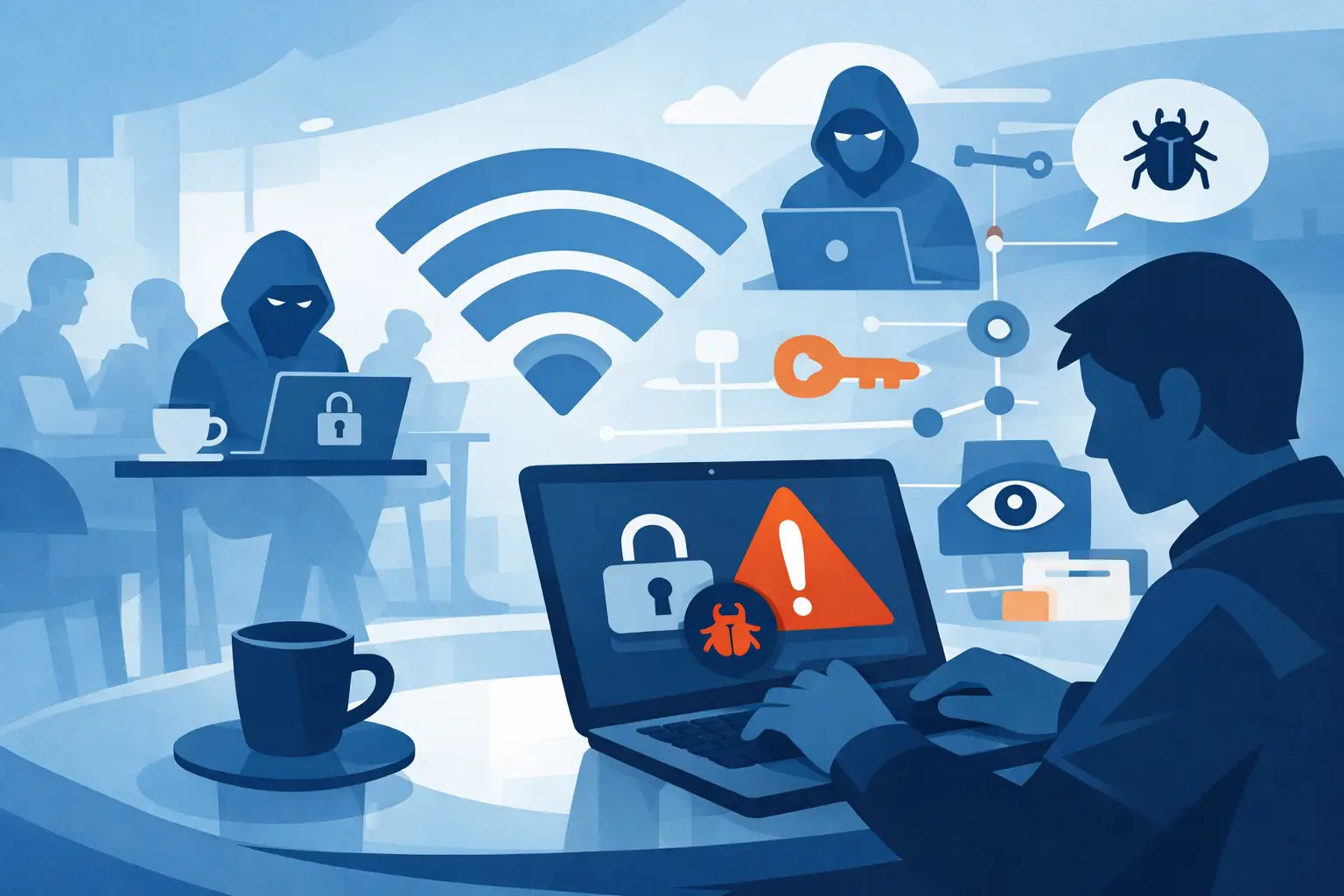
You open your laptop at the airport, join the free network, and get on with your day. That small moment feels routine. But public wifi risks often start exactly there – in ordinary places where people assume convenience means safety.
Public networks are useful, but they are not neutral. Coffee shops, hotels, airports, libraries, and malls rarely give you the same protection you get from a well-secured private network at home. Some are poorly configured. Some are actively monitored. Some are fake networks built to pull in anyone who clicks without thinking.
Why public wifi risks are higher than most people think
The problem is not just that public Wi-Fi is “shared.” It is that you usually have very little visibility into who runs it, how it is secured, or who else is sitting on the same network. On your home network, you control the router, the password, and at least some of the device access. On public Wi-Fi, that control disappears.
Attackers like public networks because they lower the cost of surveillance. Instead of targeting one person directly, they can sit in a high-traffic location and wait. Travelers checking email, shoppers opening banking apps, and remote workers logging into dashboards all create opportunities. A single weak network can expose a lot of traffic.
This does not mean every public hotspot is a trap. Many businesses run legitimate networks responsibly. But the risk calculation changes because you are trusting strangers, unknown hardware, and temporary infrastructure. That is a bad setup for private data.
The most common public wifi risks
Not every threat looks dramatic. In practice, the biggest risks are often quiet.
Fake hotspots
A fake hotspot is one of the simplest attacks because it relies on human behavior more than technical skill. An attacker creates a network name that looks believable, like “Airport Free WiFi” or a variation of the hotel’s guest network. People connect because it feels familiar.
Once connected, your traffic may pass through a system the attacker controls. That can expose login attempts, browsing activity, and unencrypted data. Even if the attacker cannot read everything, they can still observe where you go and try to push you toward malicious pages.
Traffic interception
If a public network is weakly secured or configured badly, someone on the same network may be able to intercept data moving between your device and the websites or services you use. This is especially dangerous on apps or pages that do not enforce strong encryption.
Modern websites are much better about HTTPS than they used to be, which helps. But HTTPS is not a magic shield for every scenario. Misconfigured sites, insecure apps, tracking scripts, and DNS requests can still reveal useful information.
Man-in-the-middle attacks
In a man-in-the-middle attack, someone inserts themselves between you and the service you think you are using. Instead of your traffic going directly where it should, it passes through a hostile point first.
That can allow an attacker to read, alter, or redirect information. In real life, this may look like a fake login page, a forced redirect, or a silent interception attempt. You may not notice anything unusual until credentials are stolen or sessions are hijacked.
Session hijacking
If an attacker gets hold of session data, they may not need your password at all. They can use that session information to impersonate you on a website or app that thinks you are already logged in.
This matters because many people stay signed in across services. Email, shopping accounts, cloud apps, and social platforms can all become targets. One exposed session can have a bigger impact than a single leaked password.
Malware delivery
Some public networks are used to push malicious content through fake update prompts, infected downloads, or poisoned redirect pages. If you connect and see an unexpected popup telling you to install software, update a media player, or accept a certificate, treat it as hostile until proven otherwise.
The attack is not always sophisticated. It just needs you to click once.
What attackers are really after
People often assume attackers only care about bank logins. Financial theft is part of the picture, but it is not the whole story.
Your email account is valuable because it can be used to reset other accounts. Your social logins are useful for impersonation and scams. Your browsing patterns can reveal location, habits, and interests. Even device details matter because they help attackers profile you for later attacks.
That is why public wifi risks matter even if you are “just checking messages.” Small pieces of data add up fast. Attackers do not always need everything at once. Sometimes they collect enough to come back later with a more targeted approach.
Who is most exposed on public networks
Frequent travelers are high on the list because they rely on airports, hotels, and transit hubs. Remote workers are exposed when they handle business logins or files from cafés and coworking spaces. Students also face risk because campus and public hotspot use is constant and often casual.
But mainstream users should not feel exempt. If you browse, shop, stream, message, or log into anything personal over shared Wi-Fi, you are part of the target pool. Attackers prefer easy access, not necessarily high-profile victims.
How to reduce public wifi risks without overthinking it
You do not need to become a network engineer to protect yourself. You do need better habits.
Start by treating every public hotspot as untrusted. That mental shift matters. If you assume the network is safe, you will log in everywhere, leave apps open, and ignore warning signs. If you assume the network is exposed, you will naturally be more selective.
Use a VPN whenever you connect to public Wi-Fi. This is one of the clearest ways to reduce exposure because it encrypts your traffic before it moves across the local network. That means people nearby have far less to work with, even if the hotspot itself is weak. A service like LunoVPN adds another layer of control by routing traffic through encrypted tunnels, blocking leaks, and protecting your connection if the network drops unexpectedly.
There are trade-offs. A VPN can slightly reduce speed depending on server location and network quality. But on public hotspots, privacy and integrity usually matter more than squeezing out a little extra performance.
You should also avoid sensitive actions on public networks when possible. If a task can wait until you are on your mobile data or home Wi-Fi, wait. Banking, password changes, tax forms, and large file transfers are better done on networks you trust.
Turn off automatic Wi-Fi joining on your devices. This setting is convenient, but it can reconnect you to networks with familiar names without enough scrutiny. That is exactly what fake hotspot operators count on.
Enable multi-factor authentication on your important accounts. This will not prevent interception by itself, but it does reduce the damage if credentials are captured. Passwords alone are too easy to lose.
Keep your operating system, browser, and apps updated. A public network does not create every vulnerability, but it can make existing weaknesses easier to exploit. Patching closes known holes.
If you can, prefer HTTPS-only browsing modes, disable file sharing on public connections, and forget networks you no longer use. These are small steps, but they reduce unnecessary exposure.
Signs a public network may be risky
Sometimes the warning signs are obvious. The network name looks off. The login page feels broken or asks for unusual permissions. You get certificate warnings, forced redirects, or prompts to install software before browsing.
Other times, there is no visible signal. That is what makes public wifi risks persistent. A clean-looking network can still be badly secured. So the goal is not to guess perfectly. The goal is to behave as if the network could be hostile and protect yourself accordingly.
Public Wi-Fi can be useful – if you set boundaries
There is no need for panic. Public networks are not automatically dangerous every time you use them. But they are never the place for blind trust.
Think of public Wi-Fi like a public sidewalk. You can use it. You can move through it safely. You just should not leave your private information lying around where anyone can pick it up.
The smartest approach is simple: connect carefully, encrypt by default, and save your most sensitive activity for networks you control. That one habit shift gives you more privacy, more confidence, and a lot less exposure the next time you tap “Join.”


