
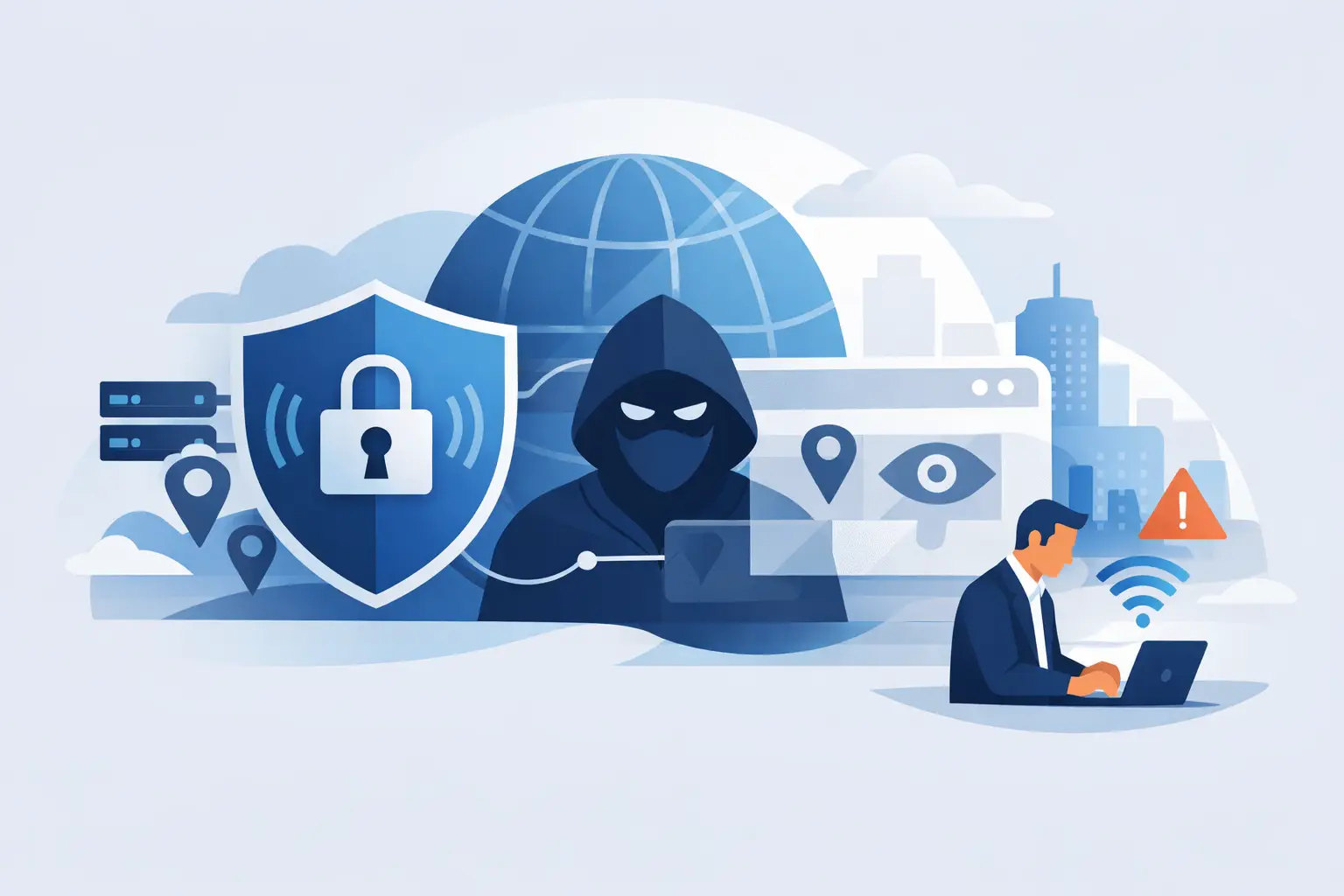
You connect to airport Wi-Fi, open your banking app, and wonder who can actually see you. That is where the question gets real: does a VPN hide your IP? Yes, it does – but only in the way a VPN is designed to work. It masks your public IP address from the websites, apps, and networks you connect to, while replacing it with the IP address of the VPN server.
That matters because your IP address is one of the easiest ways to identify your general location, your internet provider, and your activity pattern across the web. A VPN gives you more control. It creates distance between you and the sites you visit. It also encrypts your traffic, which is just as important as hiding your IP in the first place.
Does a VPN hide your IP from everyone?
Not from everyone. From most websites and online services, yes. From your internet service provider, not completely. From the VPN provider itself, it depends on how that service is built and operated.
When you turn on a VPN, your device sends traffic through an encrypted tunnel to a VPN server. After that, your traffic exits onto the internet using the server’s IP address instead of your own. So if a streaming site, online store, or social platform checks where the connection is coming from, it sees the VPN server IP.
Your ISP can still tell that you are connected to a VPN. It can see the connection to the VPN server, but it should not be able to read the contents of your traffic inside that tunnel. That is a major privacy gain, not invisibility in every direction.
And the VPN provider? A weak provider may be able to log connection details or handle DNS in a way that exposes you. A privacy-first VPN minimizes that risk with a strict no-logs policy, private DNS, leak protection, and infrastructure designed to reduce data retention.
What a VPN actually hides
A VPN is not magic. It is a practical privacy tool. Used properly, it hides several things that matter.
First, it hides your public IP from the sites and services you access. That makes it harder for those services to tie your activity directly to your home, office, or mobile connection.
Second, it hides your traffic contents from local network snoops. If you are on public Wi-Fi at a hotel, coffee shop, or airport, other people on that network should not be able to inspect your browsing traffic when the VPN tunnel is active.
Third, it can reduce location-based profiling. Your IP often reveals your approximate city or region. By routing traffic through a different server location, a VPN helps prevent sites from using your IP as a simple location marker.
That is why people use VPNs for privacy, safer browsing, and access to region-specific content. The benefit is not just anonymity. It is control.
What a VPN does not hide
This is where many people get confused. A VPN can hide your IP, but it does not erase your identity everywhere online.
If you log into your Google account, Facebook, Netflix, or bank account, those services still know it is you because you authenticated directly. The VPN changes the source IP. It does not remove your username, account history, device fingerprints, cookies, or browser-based tracking on its own.
A VPN also does not automatically stop all trackers. Some tracking happens through cookies, ad IDs, browser fingerprinting, and app-level identifiers. That is why extra protections matter, like tracker blocking, private DNS, and browser hygiene.
And if your VPN drops unexpectedly without a kill switch, your real IP can briefly become visible again. That is not a flaw in the idea of VPNs. It is a reminder that the details matter.
Does a VPN hide your IP address from websites and apps?
In most cases, yes. Websites and apps generally see the VPN server’s IP address, not your original one. If you connect to a server in New York, the site sees New York. If you connect through London, the site sees London.
That said, there are exceptions. Some apps use location services from your device, GPS data, browser settings, or account activity to estimate where you really are. Others combine IP data with cookies and past login behavior. So even if your IP is masked, a service may still infer your real location or identity through other signals.
That is why people sometimes think a VPN “didn’t work” when the real issue is elsewhere. The IP may be hidden correctly, but another layer gave them away.
Why DNS leaks and WebRTC leaks matter
If you care about hiding your IP, leak protection is not optional.
A DNS leak happens when your device sends website lookup requests outside the VPN tunnel, often through your ISP’s DNS servers. In plain terms, the site content may travel through the VPN, but the address lookups can still reveal what you are trying to access.
A WebRTC leak can expose your real IP through the browser, especially in some browser configurations and communication apps. This matters more than most people realize because you can appear protected at a glance while still exposing identifying network details in the background.
A well-built VPN addresses this with private DNS, DNS leak protection, and settings that help prevent browser-based exposure. That is one reason not all VPNs offer the same level of privacy, even if they all claim to hide your IP.
When a VPN is enough – and when it is not
For everyday privacy, a VPN is often enough. If your goal is to protect your traffic on public Wi-Fi, prevent websites from seeing your home IP, reduce ISP visibility into browsing activity, or change your apparent location, a quality VPN does the job well.
If your goal is complete anonymity against advanced tracking, the answer is more complicated. A VPN helps, but it should be part of a wider setup that includes privacy-focused browser settings, limited account linking, tracker blocking, and careful login habits.
Put simply, a VPN protects your network identity. It does not make every part of your digital identity disappear.
How to tell if your VPN is really hiding your IP
You do not need to be technical to verify this. Connect to a VPN server and check the IP address shown by an IP lookup tool or a website that displays connection details. If the location and IP match the VPN server instead of your home or mobile network, the mask is working.
Then test for DNS leaks and WebRTC leaks. These checks matter because a changed IP alone does not guarantee full privacy. If the VPN has a kill switch, turn it on. If it offers private DNS and tracker blocking, use them.
This is where premium services separate themselves from basic ones. Strong encryption is essential, but reliable privacy also depends on no-logs practices, DNS handling, stable apps, and a network built to avoid accidental exposure. That is the difference between looking private and being private.
So, does a VPN hide your IP well enough?
Yes – for most people, most of the time, if the service is trustworthy and configured properly.
A VPN hides your real public IP from websites, apps, and anyone watching your local network. It encrypts your traffic and makes routine tracking harder. That is a meaningful layer of protection, especially on public Wi-Fi, while traveling, or whenever you want more freedom and less exposure online.
But privacy always has conditions. If you stay logged into accounts, allow apps to collect location data, or use a VPN without leak protection, your IP mask will not cover everything. The right mindset is simple: use a VPN as a strong privacy foundation, not as a promise of total invisibility.
That is the practical answer. A VPN can hide your IP. A good one helps you stay in control when it matters most. And in a web built to collect as much as possible, control is not a bonus. It is the point.


