
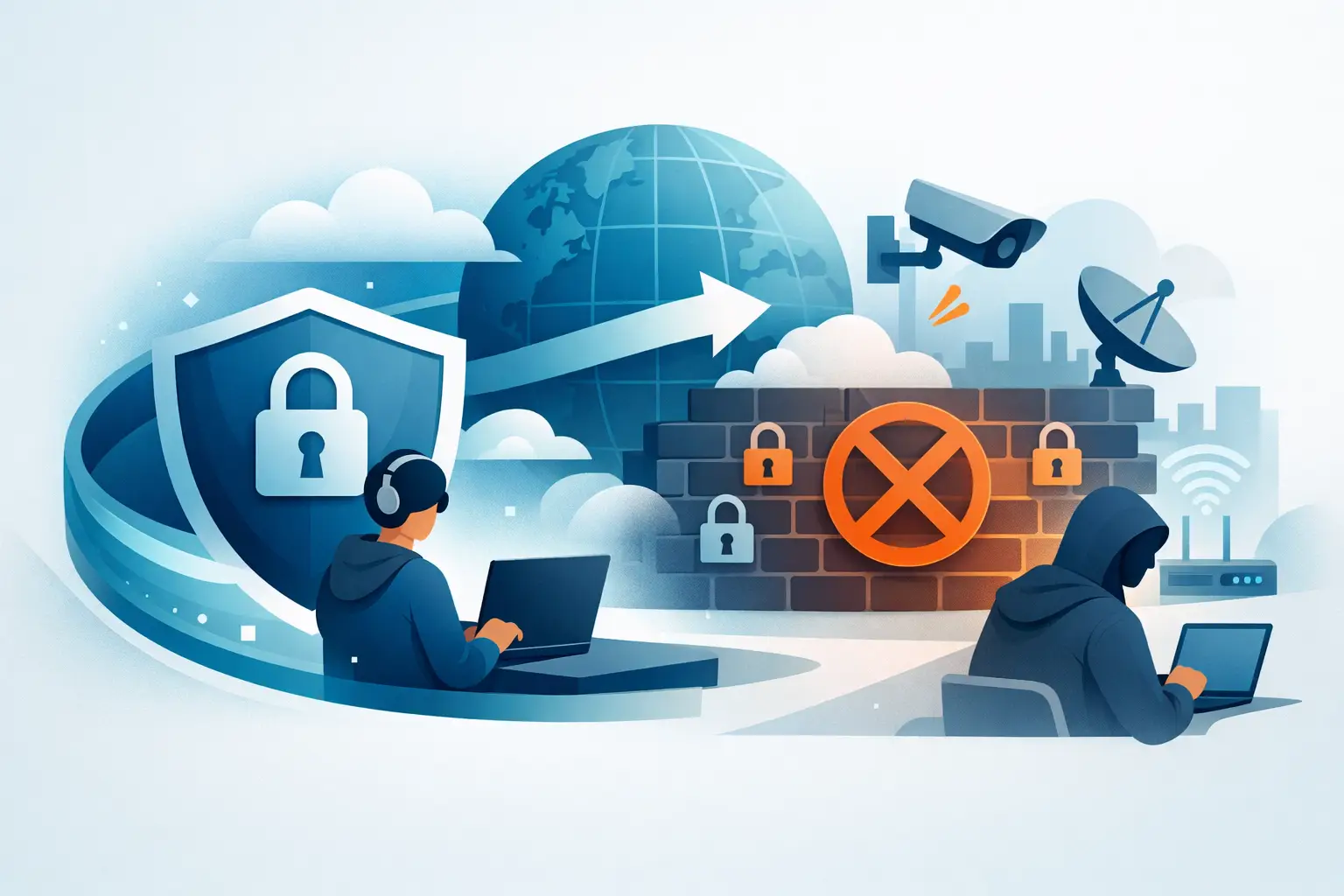
A blocked website is frustrating. A blocked connection during travel, work, or a family call is something else entirely. If you are trying to figure out how to bypass internet censorship safely, the goal is not just getting access. The goal is getting access without exposing your identity, leaking your traffic, or trading one risk for another.
That distinction matters. Many people respond to censorship with the first free proxy, mirror site, or random app they can find. That can work for a minute. It can also hand your data to the wrong party, trigger monitoring, or leave your connection exposed. Safe access starts with understanding what is being blocked and choosing the right tool for that level of restriction.
What internet censorship usually looks like
Not all censorship works the same way. Sometimes a network blocks specific websites by domain name. Sometimes it filters keywords, slows down certain services, or cuts off platforms entirely. In stricter environments, the network may inspect traffic patterns and actively interfere with known circumvention tools.
For the average user, that means one method will not fit every situation. A simple DNS change might help with basic blocking, but it will not hide your traffic from the network itself. A web proxy may open a page, but it usually protects only browser traffic and often does little for privacy. If the goal is reliable access plus real protection, a VPN is usually the strongest starting point.
How to bypass internet censorship safely without creating new risks
The safest approach is the one that hides both what you are accessing and where your traffic is going. That is why encrypted VPN connections are so commonly recommended. A quality VPN creates a secure tunnel between your device and a remote server, which prevents local networks, internet providers, and many censors from seeing the sites and services you use.
But safety depends on the VPN itself. Not every provider deserves trust. Some free services log browsing activity, inject ads, or route traffic through weak infrastructure. That defeats the point. If you are serious about bypassing restrictions safely, look for a service with a verified no-logs policy, strong encryption, DNS leak protection, and a kill switch that blocks traffic if the VPN disconnects.
Those details are not marketing fluff. They are what keep your real IP address from slipping out mid-session, especially on unstable public Wi-Fi or heavily filtered networks.
Why a VPN is usually the best first option
A VPN works because it addresses both access and privacy at once. It changes the visible location of your connection, masks your IP address, and encrypts your traffic so outside observers cannot easily inspect it. For users who are traveling, working remotely, or dealing with region-based restrictions, that combination is practical and easy to manage across phones, laptops, tablets, and even smart TVs.
It also scales better than most alternatives. Once connected, a VPN protects more than just one browser tab. Messaging apps, email clients, streaming services, and other internet-connected tools can all benefit from the same encrypted tunnel.
That said, performance can vary. Some networks aggressively detect VPN traffic. Some servers are faster than others. Protocol choice matters too. OpenVPN may offer strong reliability, while IKEv2 can be faster and more stable on mobile networks. The best setup depends on where you are, what you are trying to access, and how the local network behaves.
Features that actually make bypassing censorship safer
If you are comparing tools, focus on protective features first. Encryption is non-negotiable. A no-logs policy matters because the safest provider is one that cannot hand over records it never kept. Private DNS routing helps prevent your domain requests from leaking outside the VPN tunnel. A kill switch matters because temporary drops happen, and when they do, your device should not quietly reconnect on the open network.
A large server network also helps more than many people realize. If one location is congested or blocked, you need options. A wider spread of countries and cities gives you more flexibility and often better speeds.
LunoVPN is built around exactly that model: secure encrypted connections, private DNS, zero-logs infrastructure, kill switch protection, and broad server coverage designed to keep access private and reliable.
Common methods people use – and the trade-offs
VPNs are not the only way around censorship, but alternatives often come with more limitations.
Proxy sites are simple, but they are usually a weak privacy tool. Many only reroute browser traffic. Some log activity. Others inject scripts or ads. If you just want to view a low-risk webpage, they may work. If privacy matters, they are not enough.
Changing DNS settings can help if the block is basic and only affects domain resolution. It will not encrypt your traffic, hide your IP address, or defeat deeper filtering. Think of it as a narrow fix, not a privacy solution.
Tor can offer strong anonymity, but it is slower, more noticeable on some networks, and blocked in certain regions. It is useful in higher-risk situations, but it can be less convenient for everyday browsing, streaming, or app use.
Mirror sites and alternate URLs are hit or miss. They may restore access temporarily, but they do nothing to protect your traffic from monitoring. They are a workaround, not a shield.
Practical setup tips for safer access
The tool matters, but the setup matters too. Start by installing your VPN before you travel or before you connect to a restricted network. That sounds obvious, but app stores and provider websites may also be limited once you are already inside a filtered environment.
Next, enable the kill switch and DNS leak protection in the app settings. If protocol options are available, test more than one. A protocol that works perfectly on home broadband may struggle on hotel Wi-Fi or cellular data.
It also helps to connect before opening sensitive apps or websites. If you launch everything first and secure the connection later, some traffic may already have leaked outside the protected tunnel.
Keep your apps and operating system updated as well. Censorship is one problem. Outdated software is another. Security gaps on your device can undermine even a strong VPN connection.
How to tell if your setup is working
You do not need to be a security engineer to check the basics. First, verify that your visible IP address changes after connecting. Then make sure blocked websites or services load through the VPN connection. If the VPN disconnects, confirm that your internet stops rather than quietly reverting to your normal connection. That is the kill switch doing its job.
Pay attention to behavior over time. If pages partially load, apps fail randomly, or speeds collapse on one server, switch locations or protocols. Safe access should be stable enough that you do not need constant workarounds.
Mistakes that make censorship harder to bypass safely
The biggest mistake is trusting free tools with no transparency. If a provider will not clearly explain its logging policy, encryption standards, and leak protections, assume the risk is yours.
Another common error is stacking too many tools at once without understanding them. Running a proxy inside a VPN inside a browser extension can create connection problems, slow everything down, and make troubleshooting harder. More layers are not always better.
People also underestimate account exposure. Even if your connection is hidden, logging into personal accounts can still tie activity back to you. Sometimes that is fine. Sometimes it is not. It depends on your threat level. If your priority is simply accessing your usual services while traveling, that may be acceptable. If your priority is stronger anonymity, your browsing habits matter as much as your software.
Public Wi-Fi deserves extra caution too. Airports, hotels, cafes, and coworking spaces are convenient, but they are also easy places for traffic interception. In those environments, bypassing censorship and protecting your data should happen together, not as separate tasks.
It depends on your risk level
If you are trying to watch a region-blocked video on hotel Wi-Fi, your needs are different from someone facing aggressive network filtering or surveillance. In lower-risk cases, a reputable VPN with strong defaults is usually enough. In higher-risk situations, you need to be more careful about device hygiene, account identity, connection timing, and local laws.
That last point matters. The technical ability to bypass restrictions is not the same as legal permission to do it everywhere. Users should understand the regulations that apply in their location and make informed choices.
Digital freedom matters. So does personal safety. The smartest way forward is not chasing shortcuts. It is choosing tools that protect your traffic, limit exposure, and keep control in your hands.


