
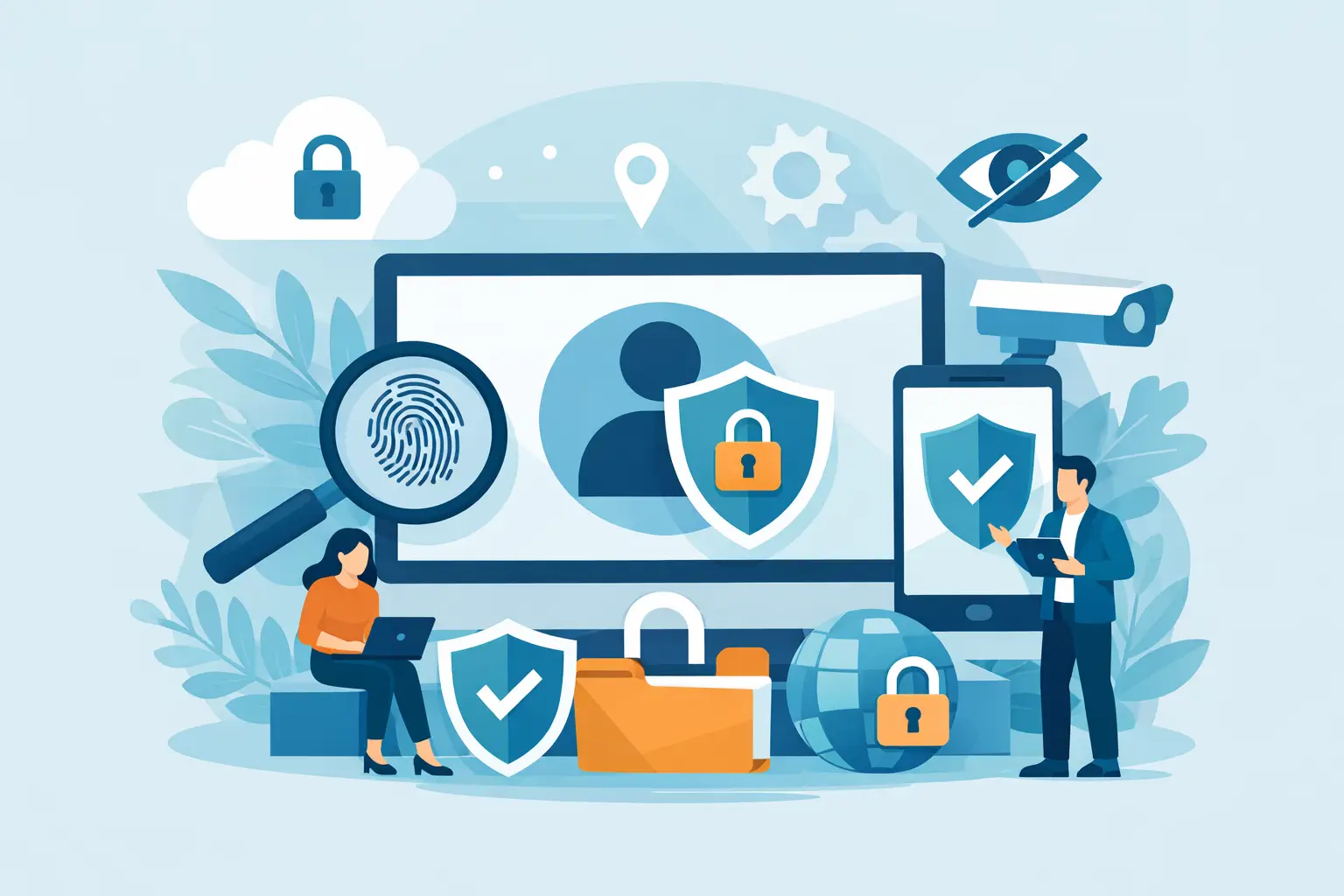
You do not need to be hacked to lose your privacy. Most people give it away in fragments – through weak passwords, over-permissioned apps, data-hungry browsers, public Wi-Fi, and accounts that quietly track everything. If you want to know how to protect privacy online, start by treating privacy as a daily habit, not a one-time fix.
The good news is that real protection does not require a computer science degree. A few smart changes can cut down tracking, reduce data exposure, and give you more control over what companies, networks, and bad actors can see.
How to protect privacy online starts with your accounts
Your accounts are the front door to your digital life. If one email account gets exposed, it can lead to password resets, financial risk, and access to other services. That is why privacy and security overlap so often.
Start with unique passwords for every account. Reusing the same password is convenient until one breach turns into five. A password manager is usually the most practical option because it creates strong passwords and stores them for you. If that feels like one more app to manage, it still beats relying on memory and repeating the same login across sites.
Then turn on multi-factor authentication wherever it matters most, especially for email, banking, cloud storage, and social platforms. App-based authentication is generally better than text-message codes, since SIM swap attacks are real. It is one extra step, but the trade-off is worth it.
You should also review account recovery settings. Old phone numbers, forgotten backup emails, and weak security questions can undermine otherwise good security. Privacy slips often come from these neglected details.
Lock down the devices you use every day
Your phone and laptop collect more personal data than most people realize. Location history, saved logins, photos, messages, and browsing activity all live there. If the device is poorly secured, your privacy is already exposed.
Use a strong device passcode, not a simple four-digit PIN if you can avoid it. Keep your operating system updated. Those updates are not just about new features. Many patch known vulnerabilities that attackers actively exploit.
App permissions deserve a closer look too. Many apps ask for access they do not truly need. A flashlight app should not need your contacts. A weather app does not always need constant location access. On both phones and computers, go through permissions and remove anything that feels excessive. If an app stops functioning without invasive access, that tells you something.
Public charging stations are another small but real risk. If you travel often, use your own charger or a power-only cable. Convenience should not come at the cost of control.
Your browser matters more than you think
A lot of privacy loss happens in the browser. Advertisers, analytics tools, social media trackers, and fingerprinting scripts follow you from site to site, building a profile that becomes more detailed over time.
Choose a browser with strong privacy settings, then actually adjust them. Block third-party cookies, send strict tracking protection where available, and clear stored site data regularly. Private browsing mode helps limit local history, but it does not make you invisible to websites, internet providers, or network admins. That is a common misunderstanding.
Browser extensions can help, but more is not always better. A few carefully chosen privacy tools can reduce tracking. Too many extensions can slow performance, create conflicts, and even introduce new privacy risks if the extension itself collects data. It depends on who made it and what permissions it has.
Search engines also deserve scrutiny. If your search history feeds an advertising profile, convenience comes with a cost. Privacy-focused search options can reduce that exposure, though they may not always deliver the same level of personalization. For many people, that is a fair trade.
A VPN adds a critical layer of protection
If you use public Wi-Fi at airports, hotels, coffee shops, or coworking spaces, your traffic is more exposed than it should be. Even on private networks, your internet provider can still see a meaningful amount of what you do online. This is where a VPN becomes practical, not optional.
A quality VPN encrypts your traffic, masks your IP address, and helps prevent others on the network from monitoring your activity. It also reduces the visibility of your browsing patterns to your ISP. That does not solve every privacy issue, but it closes one of the most important gaps.
Not every VPN deserves trust. Some free services trade price for data collection, weak infrastructure, or vague logging policies. If privacy is the goal, look for clear no-logs commitments, private DNS, strong encryption, and a kill switch that protects you if the connection drops. LunoVPN is built around that privacy-first model, which is exactly what matters here.
A VPN is not a magic cloak. If you stay logged into every platform, accept every cookie banner, and overshare on social media, your exposure remains high. But as part of a broader strategy, it is one of the most effective ways to protect your data in transit.
Be selective about what you share
One of the most overlooked parts of how to protect privacy online is simple restraint. The less data you hand out, the less there is to collect, sell, leak, or misuse.
That applies to social media first. Birthdays, pet names, schools, travel plans, and family details can all be useful to scammers or identity thieves. What feels harmless in isolation can become revealing when combined. Review your privacy settings, limit audience visibility, and think twice before posting real-time location updates.
It also applies to online shopping, newsletter signups, and account creation. Not every site needs your real birthday, main email address, or phone number. If a retailer insists on collecting more than necessary, ask whether the purchase is worth that trade.
A secondary email address for promotions and low-priority accounts can help keep your primary inbox more private. Some people go further with alias emails for different services. That approach takes more effort, but it makes tracking and account compromise harder to scale.
Watch for phishing and impersonation
Privacy is not just about systems. It is also about manipulation. Many of the biggest data leaks start with someone clicking the wrong message.
Phishing emails and texts have become more convincing. They imitate banks, delivery services, streaming platforms, employers, and even friends. The goal is always the same: get you to reveal credentials, payment details, or personal information.
Slow down when a message creates urgency. Verify the sender. Check the domain carefully. Do not log in through a link in a random text or email if you can reach the service directly another way. If a message pushes fear or pressure, that is usually the point.
This is one area where habits matter more than tools. Good security software helps, but skeptical behavior still does a lot of the heavy lifting.
Clean up old accounts and data trails
Most people have dozens of old accounts they no longer use. Each one is a small privacy liability. If the service gets breached or sold, your data stays in circulation long after you forgot the account existed.
Set aside time to delete unused accounts, old apps, and dormant subscriptions. Remove saved payment methods where possible. Review which services have access to your Google, Apple, or social logins and revoke anything unnecessary.
You can also reduce your exposure by limiting ad tracking on devices and opting out of data sharing when platforms give you the choice. Those controls are often buried in settings, and they are rarely enabled by default for your benefit.
Privacy is not all or nothing
Perfect privacy online is unrealistic for most people. You probably still want map apps, streaming services, online shopping, and social media. The goal is not disappearing completely. The goal is reducing unnecessary exposure.
That means choosing stronger defaults, using better tools, and making a few deliberate trade-offs. Maybe you accept a little less convenience for a lot more control. Maybe you keep some accounts public for work but lock down everything personal. Privacy is rarely one setting. It is a series of decisions.
If you want a practical place to start, secure your accounts, review app permissions, harden your browser, and use a trustworthy VPN on every device you can. Small changes compound fast. The more intentional you are, the less of your digital life gets exposed by default.
Your data has value. Your browsing habits say more about you than you think. Protecting them is not paranoia. It is basic self-defense.


