
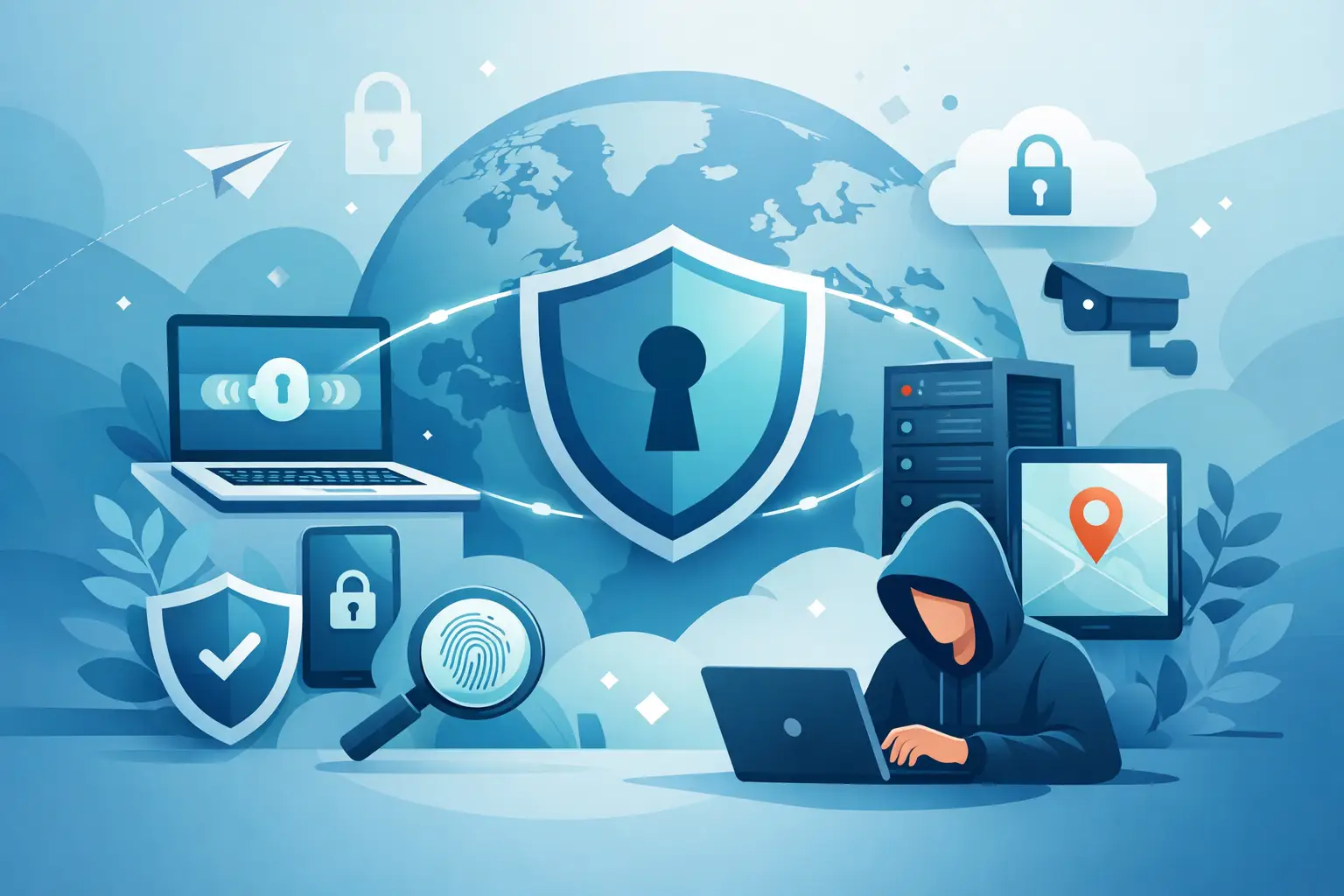
A VPN can protect you on airport Wi-Fi, hide your IP address from sites and trackers, and help you browse with more freedom. But knowing how to use VPN safely matters just as much as having one installed. A VPN is a security tool, not a magic shield. If you use weak settings, ignore app permissions, or trust the wrong provider, you can still leave a trail.
The good news is that safe VPN use is not complicated. You do not need to be a network engineer. You need a few solid defaults, a basic understanding of what a VPN can and cannot do, and the habit of checking the details that actually affect your privacy.
How to use VPN safely from day one
Start with the provider. This is where most of the real risk lives. A VPN routes your internet traffic through its servers, which means you are shifting trust from your internet provider to the VPN company. If that company keeps logs, injects ads, or cuts corners on infrastructure, your privacy is weaker than it looks.
Choose a VPN that clearly states a no-logs policy, uses strong encryption, and offers features that reduce common leaks. A kill switch matters because it blocks traffic if the VPN drops unexpectedly. Private DNS matters because it helps keep your DNS requests from leaking outside the encrypted tunnel. Modern protocols such as OpenVPN and IKEv2 are widely trusted choices, and IPSec can be useful in certain setups depending on the device and network.
Free VPNs deserve extra caution. Some are legitimate, but many make their money by collecting usage data, showing ads, or limiting security features to push upgrades. If privacy is the goal, the cheapest option can become the most expensive one in terms of exposure.
Set up the app before you browse
Many people install a VPN, tap connect, and assume the work is done. It is not. Default settings vary, and the safest setup depends on how you use the internet.
Turn on the kill switch first. This should be non-negotiable, especially if you use public Wi-Fi, travel often, or leave the VPN running in the background. Without it, a momentary disconnect can send your traffic over your normal connection without warning.
Next, enable auto-connect on untrusted networks. Coffee shops, hotels, airports, and coworking spaces are exactly where you want the VPN to start protecting you before you open email, log in to a bank account, or sync files.
Then check DNS and leak protection settings. A secure VPN should route DNS requests through its own protected system rather than your ISP. If the app includes tracker blocking, it is worth enabling that too. It will not replace good browser hygiene, but it adds another layer between you and the advertising ecosystem.
Safe VPN habits matter more than most people realize
A VPN encrypts your traffic between your device and the VPN server. That is valuable. It does not make you anonymous in every context.
If you sign into Google, Facebook, Amazon, or any other account tied to your identity, those services still know it is you. If you reuse passwords, click phishing links, or install shady browser extensions, a VPN will not stop the damage. Safe browsing still matters.
This is where people get tripped up. They hear promises about anonymity and assume the VPN covers every privacy gap. It does not. Think of it as a strong layer in your security stack, not the whole stack.
Use strong unique passwords. Turn on two-factor authentication. Keep your operating system and browser updated. Be selective about the apps and extensions you install. If an app is collecting too much data, a VPN does not erase that problem.
Public Wi-Fi is where VPN safety shows up fast
Public networks are convenient and risky at the same time. You often do not know who set them up, who else is connected, or whether someone is monitoring traffic. This is one of the clearest reasons to use a VPN.
When you connect to public Wi-Fi, launch the VPN before you do anything else. Better yet, use auto-connect so you do not have to remember. Confirm that the VPN is active, then browse as usual. If the app shows connection status, server location, and protection features, take two seconds to check them.
Still, do not treat public Wi-Fi as harmless just because the VPN is on. Avoid accessing highly sensitive accounts if the network feels suspicious, and be wary of fake captive portals or login pages that mimic real brands. Encryption helps, but scams often target the human side, not the network side.
Choose the right server, not just the fastest one
Server choice affects both performance and privacy. If your main goal is secure everyday browsing, connect to a server near your real location for better speed and stability. If your goal is avoiding local censorship or accessing region-specific content while traveling, choose the location that fits that need.
Do not switch countries at random just because the app offers dozens of options. A distant server can slow your connection, trigger more account security checks, or create confusion when services see logins from unfamiliar regions.
There is also a trade-off between convenience and consistency. If you constantly jump between servers, some sites may flag the activity as unusual. For daily use, sticking with a trusted nearby server usually creates a smoother and safer experience.
How to use VPN safely on every device
Your phone needs VPN protection just as much as your laptop, sometimes more. Mobile devices move between home Wi-Fi, office Wi-Fi, hotel networks, and cellular data all day. That constant switching creates more chances for exposure.
Install the VPN on every device you actually use. That usually means your laptop, phone, tablet, and sometimes your smart TV or browser. If your VPN allows multi-device coverage, take advantage of it. Protection should not end when you put one screen down and pick up another one up.
Be aware that device behavior differs. On phones, battery optimization settings can interfere with background VPN connections. On desktops, certain apps may bypass the tunnel if split tunneling is enabled incorrectly. Split tunneling can be useful, especially when you want one app to use the VPN and another to use your regular connection, but it needs careful setup. If you do not have a clear reason to use it, keep everything routed through the VPN.
Watch for false signals of privacy
A connected icon is not enough. Sometimes the app says you are protected while a setting is off, a leak occurs, or traffic briefly reconnects outside the tunnel. You do not need to obsess over this, but you should verify your setup once in a while.
Check that your visible IP address matches the VPN server, not your home or mobile provider. Confirm that DNS requests are protected. Make sure the kill switch is enabled after app updates or reinstallations. Security settings can reset, and people often do not notice.
This is also why trustworthy infrastructure matters. A provider with clear privacy practices, reliable apps, and independently verified policies gives you fewer hidden surprises. If you are using a premium service like LunoVPN, the point is not just encryption. It is reducing weak points across the whole experience.
Know when a VPN is not the answer
A VPN is excellent for protecting data in transit, masking your IP address, and reducing tracking tied to your network. It is not a cure for malware, social engineering, or reckless oversharing.
If you download infected files, grant dangerous app permissions, or post personal details publicly, the VPN cannot undo that. If a site uses aggressive browser fingerprinting, a VPN alone may not stop it. If your goal is stronger privacy overall, combine the VPN with smart browser choices, limited app permissions, and careful account settings.
That may sound less dramatic than the marketing claims you see elsewhere, but it is the honest answer. Real privacy comes from layers. The VPN should be one of your strongest layers, not your only one.
The safest way to use a VPN is simple: choose a provider worthy of trust, turn on the protections that stop leaks, keep it active where risk is highest, and do not confuse privacy tools with permission to get careless. A VPN gives you control. Use it like your privacy depends on it, because often it does.


