
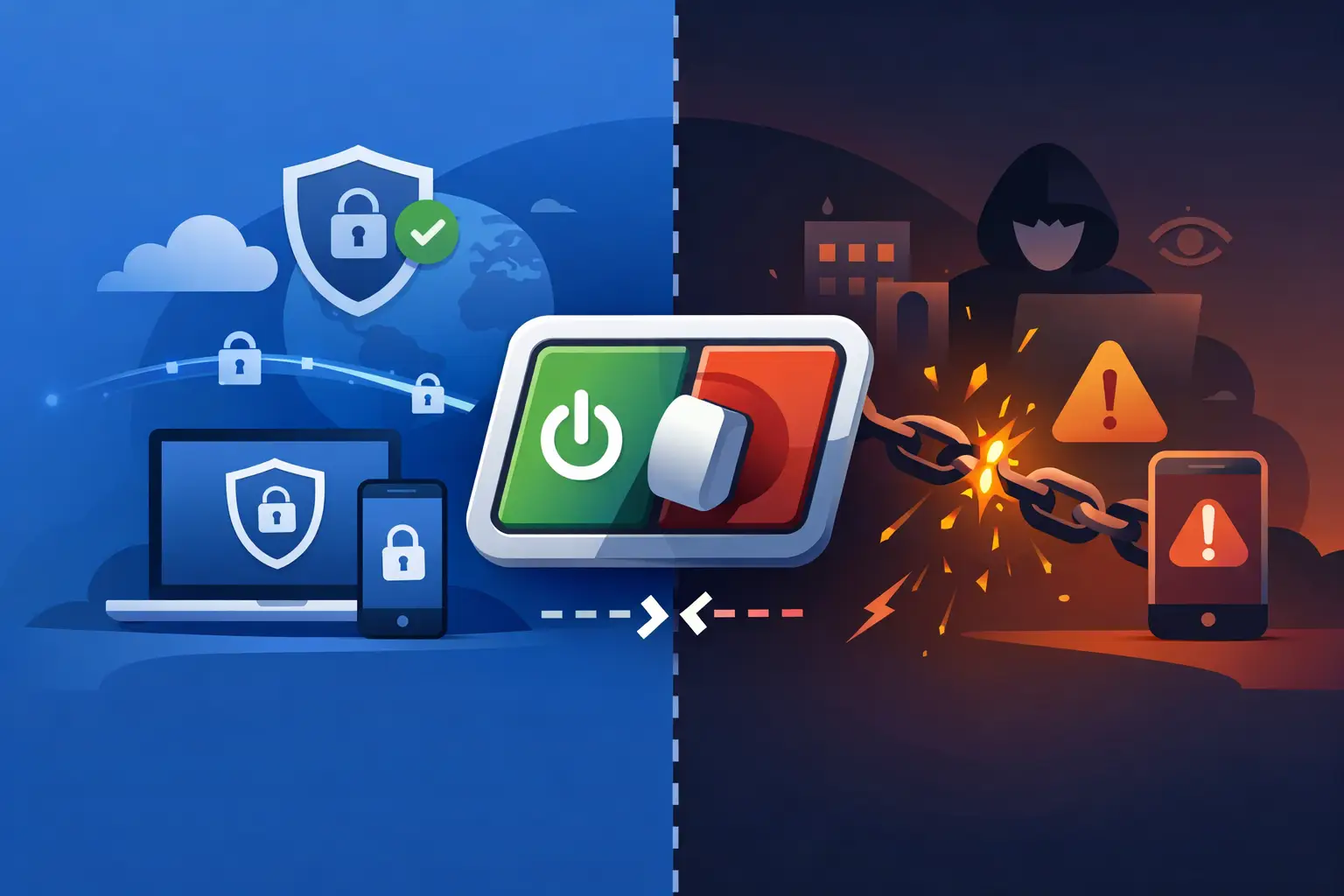
One dropped VPN connection is all it takes to expose your real IP address, active apps, and background traffic. That is exactly why people ask how vpn kill switch works. The short answer is simple: it cuts your internet access the moment the encrypted VPN tunnel fails, so your device does not quietly reconnect through your regular network.
That sounds small. It is not. Without a kill switch, a brief disconnect can reveal what you are doing online to your internet provider, the local network operator, websites, ad trackers, or anyone monitoring the connection. If you use public Wi-Fi, travel often, stream across regions, or care about staying private by default, a kill switch is one of the most important VPN features you can turn on.
How VPN kill switch works in real time
A VPN creates an encrypted tunnel between your device and a VPN server. As long as that tunnel is active, your traffic goes through the VPN instead of your normal internet route. Your visible IP address changes, your DNS requests can stay private, and outside observers have a harder time seeing what you are doing.
A kill switch watches that tunnel. If the tunnel drops unexpectedly, the kill switch steps in before your device can fall back to the open internet. Instead of letting apps reconnect over your home network, hotel Wi-Fi, airport Wi-Fi, or mobile data, it blocks traffic until the VPN connection is restored or until you manually disconnect protection.
Think of it as a fail-closed system. Normal internet access is allowed only when the VPN is securely active. If the protected state disappears, the connection is shut down rather than left exposed.
That is the core of how vpn kill switch works. It is not adding extra encryption. It is enforcing a rule: no VPN, no traffic.
What a kill switch actually blocks
When a kill switch is working properly, it can stop several kinds of leaks at once. The most obvious is your real IP address becoming visible. But that is only part of the risk.
It can also block apps that continue sending data in the background, even if you are not actively using them. Email clients sync. Browsers refresh tabs. Cloud storage uploads. Messaging apps reconnect. Operating systems check for updates. All of that can happen in a few seconds, and all of it can happen outside the VPN if there is no kill switch in place.
In many VPN apps, the kill switch also helps reduce DNS leaks by stopping requests from leaving your device when the protected tunnel is down. That matters because DNS requests can reveal which sites and services you are trying to reach, even if the rest of your browsing is encrypted.
The exact behavior depends on the app and operating system. Some kill switches block all internet traffic system-wide. Others can be configured to protect only certain apps. For most privacy-focused users, system-wide blocking is the safer setting because it leaves less room for accidental exposure.
Why VPN connections drop in the first place
A lot of people assume a VPN either works or does not. In reality, connections can fail for normal reasons. You move between Wi-Fi and mobile data. Your laptop wakes from sleep. A public network resets. Your router has a brief hiccup. The VPN server changes. Your device switches networks in the background.
These drops are often brief. That is exactly what makes them dangerous. Most users do not notice a one-second interruption. Your apps do. They reconnect immediately, usually through the default network path, unless the kill switch blocks them.
This is why a kill switch matters even if your VPN service is fast and stable. Good infrastructure reduces disconnects. It does not eliminate the possibility of one.
Two common types of kill switch protection
Not every kill switch works the same way, and the difference matters.
The first type is a system-level kill switch. This changes your device’s network behavior so that traffic cannot leave unless it goes through the VPN interface or approved secure route. It is stronger because it protects the whole device, not just one app session.
The second type is an app-level kill switch. This targets selected applications and closes or blocks them if the VPN disconnects. It can be useful if you only care about protecting a browser, torrent client, or streaming app, but it is less comprehensive. Background system traffic may still slip through if the app does not control the full network stack.
For users who want privacy without babysitting settings, broader protection is usually better. Security should work quietly in the background.
How operating systems handle kill switches
On Windows and macOS, VPN apps often use firewall rules or network routing controls to block traffic when the tunnel goes down. On iPhone and Android, behavior can depend on the platform’s built-in VPN framework. Some mobile systems support always-on VPN and block-without-VPN modes, which act a lot like a native kill switch.
That is useful, but it also means kill switch behavior is not identical across devices. A desktop app may offer more granular controls. A mobile app may rely more on operating system permissions. A smart TV or browser extension may have more limited protection than a full device app.
If you use multiple devices, it is worth checking whether the kill switch is available on each one and whether it is enabled by default. Many people assume they are protected everywhere because the feature exists on one platform. That is not always the case.
When a kill switch matters most
The obvious answer is public Wi-Fi. Coffee shops, hotels, airports, and shared workspaces are noisy environments. Networks are inconsistent, connections drop, and you do not control the infrastructure. A kill switch helps keep those interruptions from turning into privacy leaks.
It also matters when you are bypassing censorship or trying to avoid local network surveillance. In those situations, even a short exposure can be enough to reveal your actual IP address or the fact that you were trying to access blocked content.
Streaming and travel are another common use case. If you are connected to a server in another region and the VPN drops, websites can immediately see your real location. The same goes for anyone who uses a VPN for anonymous browsing, online research, or peer-to-peer traffic. Privacy is strongest when it fails closed.
The trade-offs to know before turning it on
Kill switch protection is powerful, but it is not magic. If it is enabled, your internet may appear to stop working during a VPN interruption. That is not a bug. That is the feature doing its job.
Some users find that frustrating, especially if they do not realize the VPN disconnected. Others prefer it because it removes guesswork. Privacy should not depend on whether you happen to notice a small icon change in the taskbar.
There is also a usability trade-off if you need local network access while the VPN is active. Depending on the setup, a strict kill switch can interfere with printers, shared drives, or smart home devices until you adjust trusted network or split-tunneling settings.
That does not mean you should avoid it. It means you should choose settings that match how you use your devices. If privacy is the priority, stricter blocking is worth it.
How to tell if your kill switch is doing its job
The simplest test is practical. Connect to your VPN, start loading a website or streaming content, then manually disconnect the VPN inside the app. If the kill switch is active, traffic should stop immediately instead of continuing over your normal connection.
You can also watch what happens when you change networks, close your laptop, or switch from Wi-Fi to mobile data. A strong VPN app should either restore the secure tunnel quickly or block traffic until it does.
If your app offers private DNS, leak protection, and a kill switch together, that combination provides much stronger coverage than any one feature alone. Privacy is not one setting. It is layered defense.
For that reason, services built around security by default tend to make kill switch protection easy to find and easy to keep on. That is the right approach. Users should not need deep technical knowledge to stay protected.
A VPN is supposed to protect you when things go wrong, not only when everything works perfectly. That is the real value of a kill switch. It turns a momentary drop from a silent privacy failure into a controlled pause, and that is a trade most people should gladly take.


