
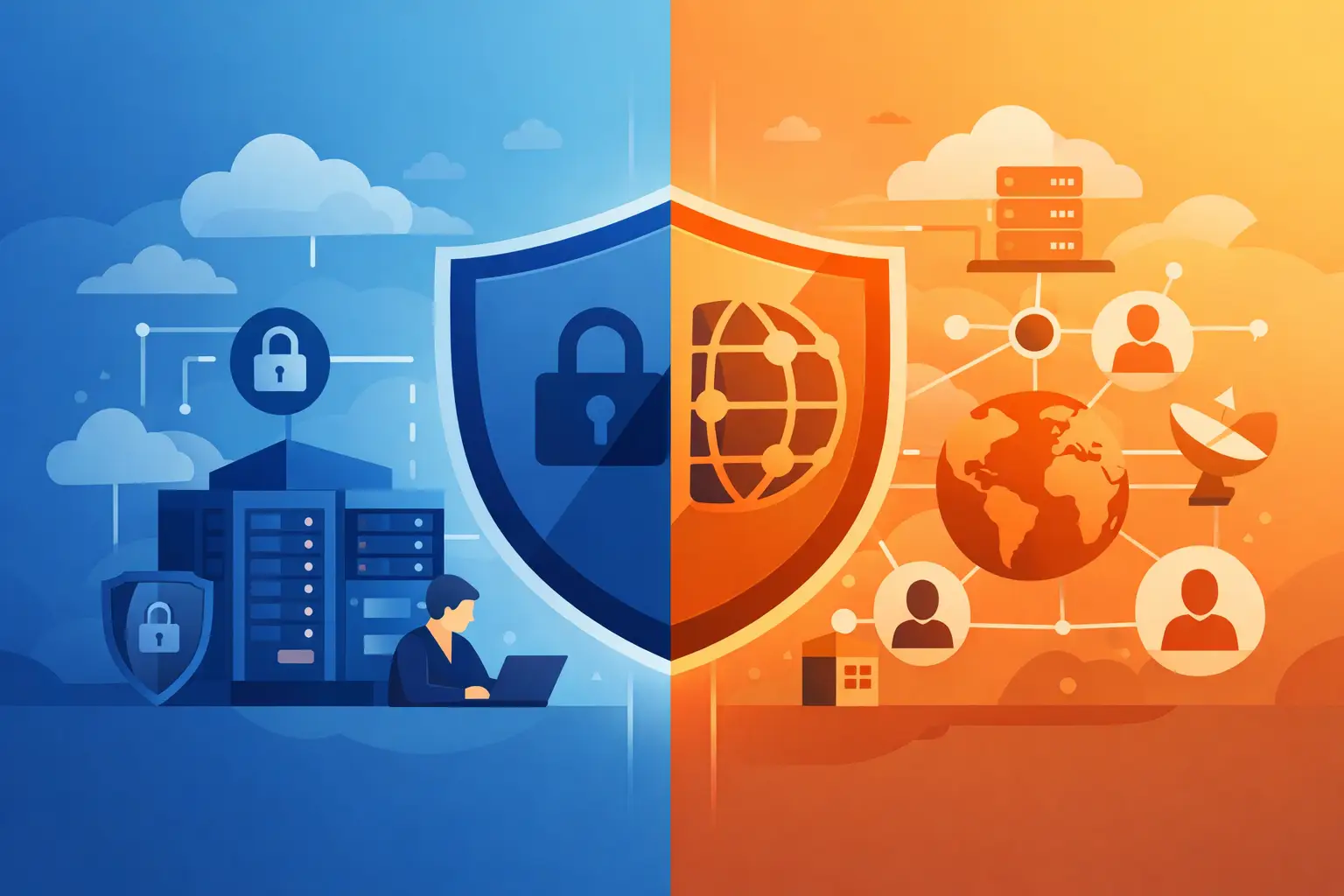
A lot of privacy problems start before a website even loads. You type a name into your browser, and a DNS server translates it into an IP address so your device knows where to go. That is why the private dns vs public dns question matters more than most people realize. It affects who can see your requests, how much control you have, and how exposed your browsing habits are.
Most people never choose a DNS setup on purpose. They use whatever their internet provider, phone, office network, or app gives them. That works – until you care about tracking, censorship, DNS leaks, or handing your browsing metadata to a third party you do not trust.
What private DNS vs public DNS really means
At the simplest level, public DNS is a resolver anyone can use. It is designed for broad access. Internet service providers run public-facing DNS resolvers, and so do large technology companies and security vendors. You point your device to them, send a lookup request, and get an answer.
Private DNS is more restricted. It is usually operated for a specific user, company, app, or network. Access is controlled, and the DNS traffic is often routed inside a private environment rather than exposed to a general-purpose resolver open to everyone. In consumer privacy tools, private DNS often means your DNS queries stay inside the provider’s protected system instead of going out to your ISP or another public resolver.
That difference sounds small. It is not. DNS requests reveal a lot. Even if the content of your traffic is encrypted with HTTPS, DNS can still show which domains you are trying to reach unless it is properly protected.
Why DNS matters for privacy
Every website visit starts with a lookup. Streaming services, banking apps, social platforms, maps, shopping sites – they all depend on DNS. If those requests are visible, they create a clear trail of your online activity.
A public DNS service may be fast and reliable, but privacy depends on who runs it, what data they keep, and how requests are transmitted. Some providers log metadata. Some aggregate usage data. Some may comply with local laws that give authorities broad access. That does not make public DNS automatically bad. It means trust matters.
Private DNS gives you a tighter chain of custody. Instead of sending DNS queries through your ISP or a widely shared resolver, you keep them inside a controlled system. For users who want less tracking and fewer leak points, that is a meaningful advantage.
Public DNS: simple, popular, and not always private
Public DNS is attractive for a reason. It is easy to configure, often free, and usually faster than the default resolver from a poorly managed ISP. Many people switch to a public DNS provider for performance, uptime, or filtering features.
That convenience comes with trade-offs. Public resolvers serve massive numbers of users, which can help with speed and resilience. But they also centralize trust. You are still handing your DNS activity to someone. If the provider keeps logs, builds profiles, or operates under aggressive data retention rules, your privacy depends on their policy and your willingness to accept it.
There is also the issue of mismatch. You might use a VPN for privacy, but if your device sends DNS requests outside the VPN tunnel to a public resolver, you can still expose your browsing behavior. That is a DNS leak. It weakens the protection you thought you had.
Private DNS: more control, smaller exposure
Private DNS is built around containment. The resolver is not open to everyone, and the traffic usually stays within a service you trust more directly. In a well-designed privacy setup, DNS queries are encrypted and routed through the same protected path as the rest of your traffic.
That reduces the number of parties who can monitor your requests. It also makes DNS leaks less likely when the system is configured correctly. For consumers, this matters most when using a VPN, connecting on public Wi-Fi, traveling in restrictive regions, or trying to avoid profiling by network operators.
Private DNS can also support security features beyond simple resolution. Some services block malicious domains, known trackers, and ad networks at the DNS level. That means fewer unwanted connections before the page even has a chance to load.
Private DNS vs public DNS for speed
Speed is where the answer becomes more situational.
A high-quality public DNS server can be extremely fast, especially if it has infrastructure close to you. If your ISP’s DNS is slow or unreliable, switching to a respected public resolver may noticeably improve browsing performance.
Private DNS can be just as fast when the provider has strong infrastructure and optimized routing. In some cases, it is faster in real-world use because it cuts out ISP interference, blocks junk requests, and routes DNS through nearby servers. In other cases, if the private resolver is overloaded or far away, it can add delay.
So which wins? It depends on the provider, your location, and how the DNS service is integrated with the rest of your network path. Speed alone is not a reason to choose public over private or the other way around. Measured performance matters more than assumptions.
Security differences that actually matter
Security is not just about whether DNS resolves a domain correctly. It is about what happens to those requests in transit and what else the service does with them.
Public DNS may support encrypted standards such as DNS over HTTPS or DNS over TLS. That is good. It prevents local networks, such as coffee shop Wi-Fi or airport hotspots, from reading your DNS requests in plain text. But encryption in transit does not answer the bigger trust question: who receives the request at the other end, and what do they do with it?
Private DNS is stronger when it is part of a larger privacy architecture. If your DNS is handled inside your VPN tunnel, combined with leak protection and a no-logs approach, your exposure drops significantly. You are not just encrypting the lookup. You are reducing who can see it at all.
This is one reason private DNS is often preferred by people who care about surveillance resistance, censorship bypassing, and anonymity. Less fragmentation means fewer places for information to spill.
When public DNS makes sense
Public DNS is still a reasonable choice in some cases. If you want a simple upgrade from weak ISP DNS, need basic reliability, and are not looking for maximum privacy, a trusted public resolver can be a practical step. It is also useful for users who want straightforward parental filtering or malware blocking without changing their broader setup.
The key is realism. Public DNS can improve performance and basic security. It does not make you anonymous. It does not hide your activity from the resolver operator. And it does not replace a privacy tool that encrypts and routes all of your traffic.
When private DNS is the better move
If your goal is stronger privacy, private DNS is usually the better fit. That is especially true when you use a VPN and want your DNS requests protected alongside the rest of your traffic. It is also the smarter option if you often connect on public Wi-Fi, travel across borders, face network restrictions, or simply do not want your ISP tracking every domain request.
For everyday users, the biggest benefit is not technical elegance. It is peace of mind. Your browsing requests stay inside a system designed to protect them instead of being scattered across multiple providers.
Services like LunoVPN build on that model by combining encrypted tunnels with private DNS routing, leak protection, and tracker blocking. That matters because privacy is strongest when the parts work together, not when you piece them together yourself and hope nothing leaks.
How to choose without overthinking it
Ask one question first: what are you trying to protect against?
If you mostly want faster lookups than your ISP provides, public DNS may be enough. If you want fewer eyes on your traffic, better resistance to tracking, and protection that follows you across networks and devices, private DNS is the stronger choice.
Also consider convenience. A public DNS setting on its own is easy to change, but it leaves more responsibility on you. A private DNS setup tied to a reliable privacy service tends to be simpler in daily use because protection runs in the background.
The best setup is not the one with the most technical jargon. It is the one that closes the most obvious gaps without making your internet harder to use.
The bottom line on private DNS vs public DNS
Private DNS vs public DNS is really a question of trust and control. Public DNS can be fast, stable, and perfectly fine for basic use. Private DNS gives you a smaller attack surface, stronger privacy, and a cleaner path when you want your browsing habits to stay yours.
If you care about digital freedom, DNS should not be an afterthought. It is one of the first requests your device makes and one of the easiest places to leak information. Choose the option that keeps more of your online life in your hands.


