
The fast, no-logs VPN for your Android TV Box
Install LunoVPN directly on your Android TV Box and protect every streaming app at once. Unblock global libraries, stop ISP throttling, and keep your viewing private — on Nvidia Shield, Chromecast with Google TV, MECOOL, Xiaomi Mi Box and more.
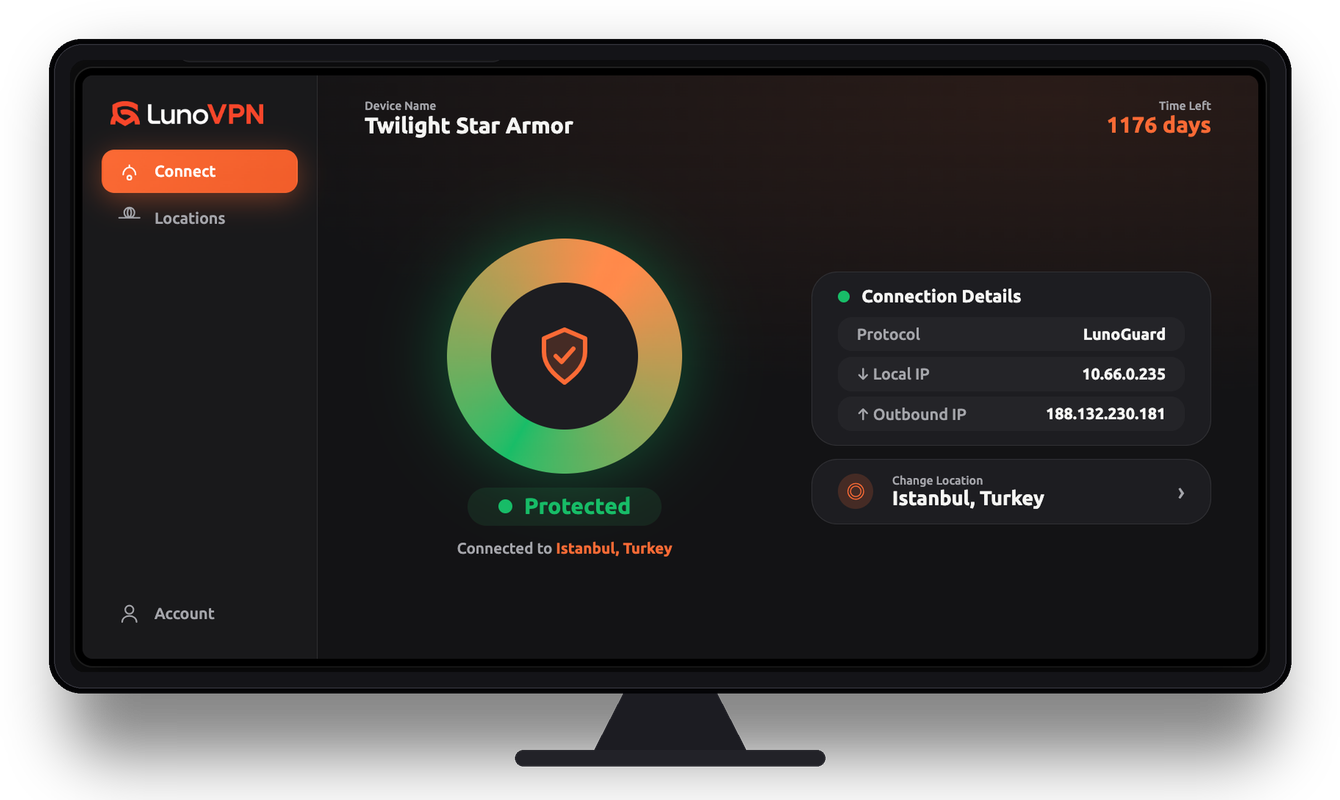
Why you need a VPN on your Android TV Box
An Android TV Box turns any television into a smart streaming hub — but everything you watch travels through your internet provider in the open. A VPN for Android TV Box encrypts that traffic at the device level, so a single connection protects every app on the box: your streaming services, browsers, and media players all at once.
Because LunoVPN installs as a native Android TV app, you don’t need to configure each service separately. One tap on the remote routes the whole box through an encrypted LunoGuard tunnel, hiding your real IP address and stopping your ISP, network, and the apps themselves from profiling what you stream.
What a VPN does on a streaming box
- Unblocks streaming libraries by connecting to servers in other countries, so you can browse the catalog available there.
- Stops ISP throttling — encrypted traffic hides what you’re doing, so providers can’t slow specific streaming services.
- Protects your privacy by masking your IP and encrypting DNS, keeping your viewing history off your ISP’s records.
- Secures public and shared networks, which matters for boxes used in rentals, dorms, offices, or while travelling.
What LunoVPN adds to your TV box
Unblock more content
Switch between 127 locations to reach region-specific streaming catalogs and live events.
Buffer-free streaming
Beat ISP throttling with encrypted traffic and unlimited bandwidth for smooth 4K playback.
Whole-box privacy
Every app on the Android TV Box is protected by one connection — no per-app setup.
Obfuscation built in
Connect even on restrictive or hotel networks that normally block VPN traffic.
LunoGuard protocol
A lightweight, WireGuard-based protocol tuned for fast, stable streaming on TV hardware.
Up to 5 devices
Cover your TV box, phone, and laptop on a single LunoVPN account.
See what unlocks abroad
Pick a location and watch the streaming catalog change. Your Android TV Box connects to that region and browses its local library:
How to install a VPN on your Android TV Box
Setting up LunoVPN on an Android TV Box takes about a minute — it installs straight from the Google Play Store, with no APKs or sideloading required. Pick your device below for the exact steps:
Step-by-step (Google Play method)
Open the Google Play Store
From the Android TV home screen, open the Play Store and make sure your box is signed in to a Google account.
Search for “LunoVPN”
Find the LunoVPN app and select Install. It’s built for the big screen and works with your remote.
Sign in with your account number
Open LunoVPN and enter your account number — no email or password to type on the remote.
Choose a server location
Pick from 127 locations, or let Best for You select the fastest and most stable server.
Press Connect
One tap and the entire Android TV Box is protected. Open any streaming app and start watching.
No APK or sideloading needed
LunoVPN is published as a native Android TV app, so it installs directly from the Google Play Store on supported boxes — there’s nothing to sideload and no “unknown sources” to enable. Just search, install, sign in with your account number, and connect.
Works with popular Android TV Boxes
LunoVPN runs on virtually any device powered by Android TV or Google TV that includes the Google Play Store:
Throttled vs smooth
When your ISP throttles streaming, quality drops and the spinner appears. LunoVPN encrypts the traffic, so your box keeps streaming at full quality:
What to look for in an Android TV Box VPN
Not every VPN is built for television hardware. Here’s how LunoVPN measures up against what a streaming box actually needs:
| Feature | Why it matters on a TV box | LunoVPN |
|---|---|---|
| Native Android TV app | Remote-friendly, no phone required | Yes |
| Strict no-logs | Your viewing stays private | Yes |
| Unlimited bandwidth | No caps on 4K streaming | Yes |
| Obfuscation | Connects on blocking networks | Yes |
| 127 locations | More libraries to unblock | Yes |
| Multiple devices | Cover the whole household | Up to 5 |
| Account-number login | Easy sign-in on a remote | Yes |
Android TV Box VPN — frequently asked questions
Do I need a VPN for my Android TV Box?
How do I install LunoVPN on an Android TV Box?
Can I install LunoVPN on Nvidia Shield or Chromecast with Google TV?
Will a VPN slow down streaming on my TV box?
Does LunoVPN protect every app on the box?
Can I use LunoVPN to change my streaming region?
How many devices can I use on one account?
Is using a VPN on an Android TV Box legal?
Which server and protocol are best for streaming?
Related LunoVPN guides & features
Get the best VPN for your Android TV Box
Install in minutes, protect every app, and stream more — with a strict no-logs VPN built for the big screen.
Get LunoVPN