
Your TV, unlocked and protected.
Install LunoVPN right on your Apple TV and cover the whole living room with one tap — unlock streaming libraries around the world, stop buffering, and keep your smart TV private.
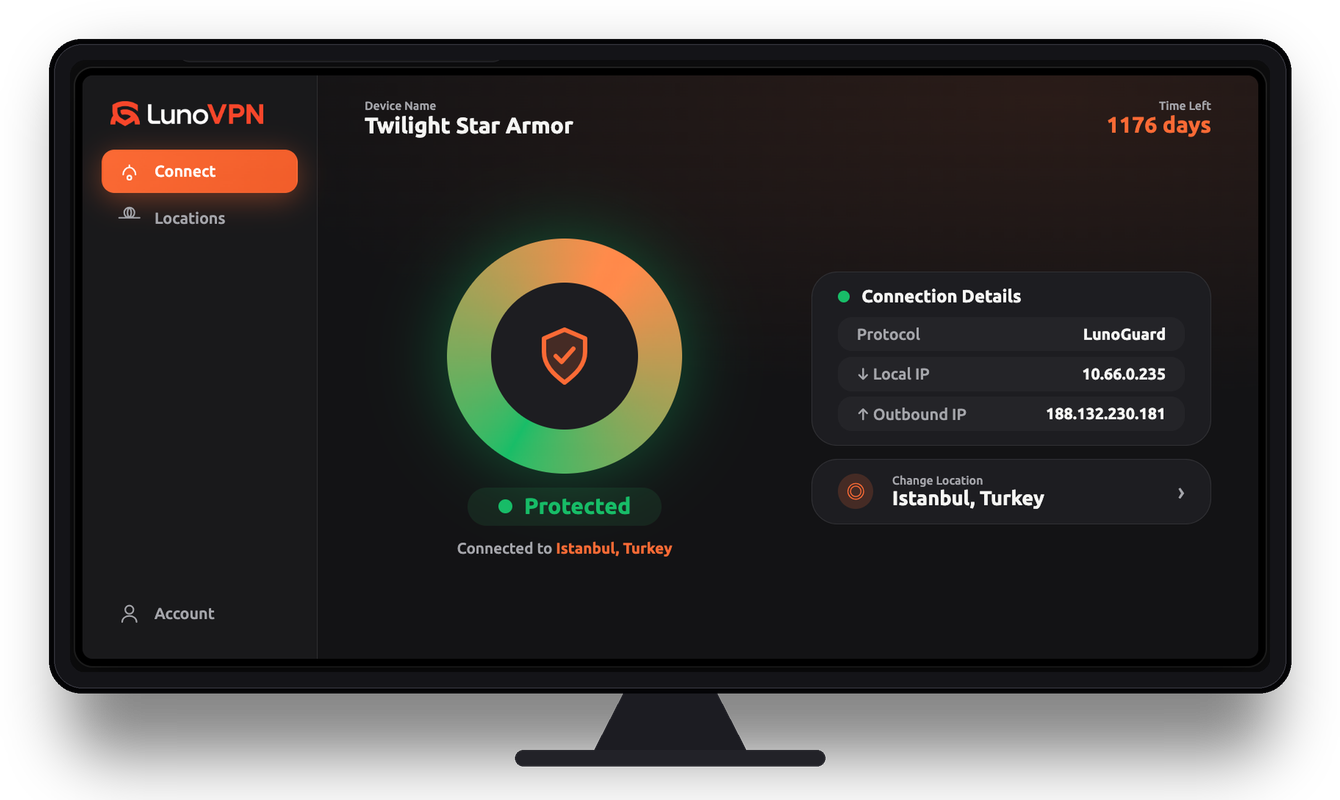
Why you need a VPN on Apple TV
Your Apple TV streams everything through your internet provider in the open — which means your ISP can see, log, and even throttle what you watch. A VPN for Apple TV encrypts that traffic at the device level, so a single connection protects every app on the box: your streaming services, browser, and media players all at once.
LunoVPN installs as a native tvOS app, so there’s no need to configure each service separately or set up a router. One tap on the Siri Remote routes the whole Apple TV through an encrypted LunoGuard tunnel, hides your real IP address, and stops your ISP, network, and the apps themselves from profiling what you stream.
What a VPN does on Apple TV
- Unblocks streaming libraries by connecting to servers in other countries, so you can browse the catalog available there.
- Stops ISP throttling — encrypted traffic hides your activity, so providers can’t slow specific streaming services.
- Protects your privacy by masking your IP and encrypting DNS, keeping your viewing history off your ISP’s records.
- Secures shared and public networks, which matters for Apple TVs in rentals, dorms, hotels, and offices.
More to watch. Less to worry about.
A VPN on the TV itself protects every streaming app at once — and opens up a lot more than it hides.
Unlock global libraries
Connect to another country and browse the streaming catalog available there — thousands of extra titles.
Watch sports from abroad
Follow leagues, matches, and events that are only broadcast in certain regions.
Stop ISP throttling
Some providers slow down streaming. Encrypted traffic hides what you’re doing, so speeds stay high.
Privacy for your smart TV
Stop your TV, apps, and ISP from profiling everything you watch and building an ad profile.
One tap for the room
Protect every app on the TV at once — no per-app setup, no fiddling with each service.
Keep home while away
Travelling or living abroad? Connect home and keep the shows and sports you already pay for.
Beat blackouts & geo-blocks
Obfuscation helps you connect on restrictive or hotel networks where VPNs are usually blocked.
Cover any TV
No native app? Run LunoVPN on your router and every device on the TV stand is protected.
See what unlocks abroad
Pick a location and watch the catalog change. Your TV connects to that region and browses its local library:
Throttled vs smooth
When an ISP throttles streaming, quality drops and the spinner appears. LunoVPN hides the traffic, so your stream keeps flowing:
On your TV in under a minute
No cables, no tech skills — just your account number and the remote.
Install the app
Find LunoVPN in the App Store on your Apple TV and install it.
Sign in
Enter your account number — no email or password to type on the remote.
Pick a location
Choose from 127 locations, or let “Best for You” pick the fastest.
Press Connect
One tap and the whole TV is protected. Open any app and start watching.
Every screen in the living room
Native apps for the big platforms — and router support for everything else.
Apple TV VPN — frequently asked questions
Do I need a VPN on my Apple TV?
How do I install LunoVPN on Apple TV?
Does LunoVPN have a native Apple TV (tvOS) app?
Will a VPN slow down streaming on Apple TV?
Can I change my streaming region with LunoVPN on Apple TV?
Does the VPN protect every app on my Apple TV?
How many devices can I use on one account?
Is using a VPN on Apple TV legal?
Which server and protocol are best for streaming?
Related LunoVPN guides & features
Turn your TV into a world of content
Available on Apple TV, Android TV, Fire TV — and every other device you own.
Get LunoVPN